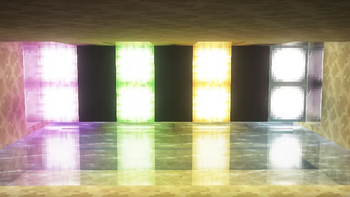
UpaamaShaders
by imh4u
UpaamaShaders improves Minecraft with cinematic lighting, atmospheric skies, realistic shadows, beautiful water, and optimized performance while preserving the original vanilla style. UpaamaShaders is a semi realistic and vanilla like pack from imh4u. It targets medium-tier hardware and up and runs through Iris or OptiFine on Minecraft 1.8 – 26.2. Licensed MIT, so the download is mirrored right here on MineSpecs — no ads, no redirects.
How to install UpaamaShaders
- 1Install a shader loader for Minecraft 1.8 – 26.2 — Iris (pairs with Sodium) or OptiFine.UpaamaShaders is a shaderpack, so it needs a loader to run.
- 2Download the UpaamaShaders
.zipfrom the button above — keep it zipped. It is mirrored on MineSpecs, so there is no ad-gate or redirect. - 3Drop the .zip into your
.minecraft/shaderpacksfolder (%appdata%\.minecraft\shaderpackson Windows,~/Library/Application Support/minecraft/shaderpackson macOS). - 4Launch the game, open Options → Video Settings → Shaders, and select UpaamaShaders.
Performance & what to expect
UpaamaShaders is rated medium performance impact. It wants a mid-range dedicated GPU. Drop render distance a few chunks if you fall below 60 FPS. The look is semi realistic and vanilla like.
More semi realistic shaders
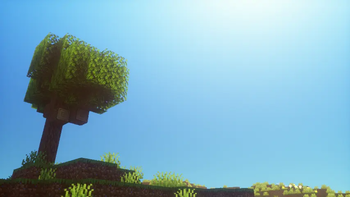 Hex ShadersPotato impact · by HarshitYDX
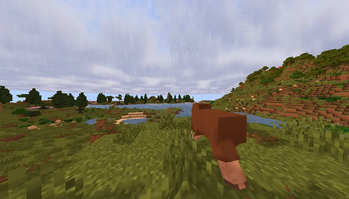 Ephyrium ShadersMedium impact · by rozhkov.egor2010
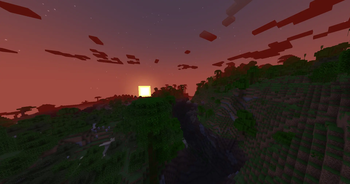 Visual AddonsPotato impact · by Qwatrum
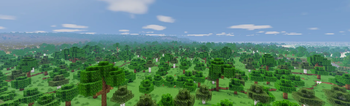 VeridianMedium impact · by billywillydilly
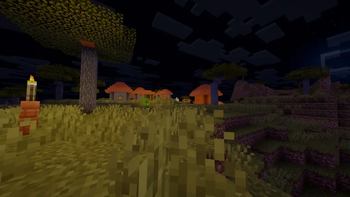 Kaskada ShadersLow impact · by ruszek09
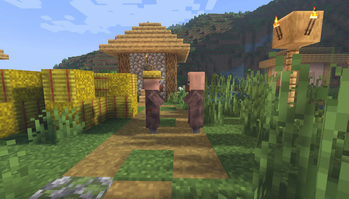 LightWeight AtmosphericaMedium impact · by Opletay
UpaamaShaders is created by imh4u and mirrored here under its MIT licence. MineSpecs is an unofficial fan project and is not affiliated with imh4u, Mojang Studios or Microsoft.