
Default Dark Mode: Expansion — 16x Minecraft resource pack
by aric3435
🌙➕This resource pack is an add-on of Default Dark Mode. It adds/fixes over 100+ mods! It is recommended to use both resource packs together for the best experience. A 16x pack from aric3435 covering gui, simplistic, tweaks, utility and vanilla like, built for Minecraft 1.12 – 26.2. Its assets are All Rights Reserved, so we do not mirror it — the button above goes to the author’s official Modrinth page.
How to install Default Dark Mode: Expansion
- 1Download the Default Dark Mode: Expansion
.zipfrom the button above — keep it zipped. Its licence, or the licence of artwork inside it, doesn’t allow re-hosting, so that button takes you to the official Modrinth page — always the newest build, straight from the author. - 2Launch Minecraft 1.12 – 26.2 and open Options → Resource Packs → Open Pack Folder.
- 3Drop the .zip into that
resourcepacksfolder (%appdata%\.minecraft\resourcepackson Windows). - 4Back in-game, move Default Dark Mode: Expansion to the right-hand column to activate it and click Done. No restart needed — textures swap immediately.
First time? How to install Minecraft resource packs
Resolution & compatibility
At 16x it matches vanilla's native resolution, so it costs essentially no extra VRAM and runs anywhere Minecraft runs. Default Dark Mode: Expansion retextures gui, simplistic, tweaks, utility, vanilla like, and works alongside other packs — Minecraft applies them top-down, so put Default Dark Mode: Expansion above any pack you want it to override. It also stacks cleanly with shader packs, since resource packs change textures while shaders change lighting.
More 16x resource packs
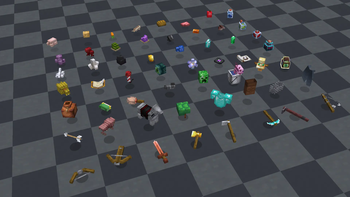 MB-3D Items Pack16x · by mbanders
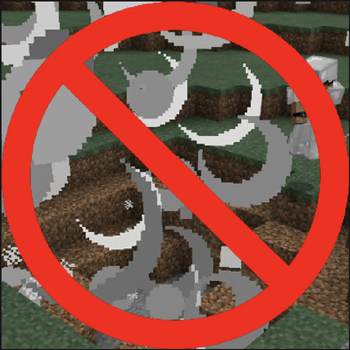 No Explosion Particles16x · by MasterofDeath
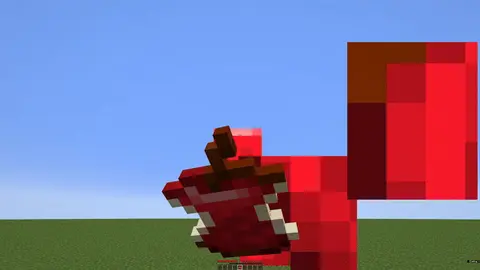 Eating Animation Resource Pack16x · by Bluebird
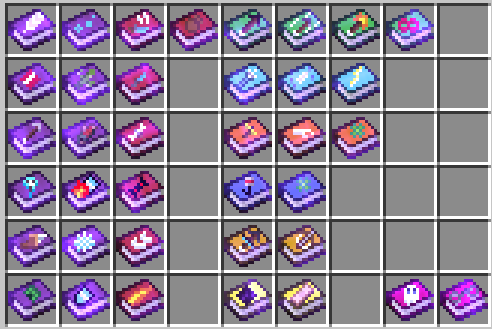 Mars's Enchanted Book Textures16x · by MarsThePlanet
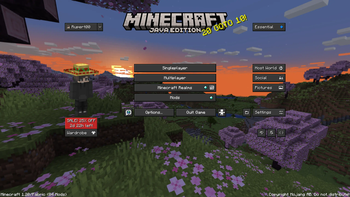 Essential UI16x · by KartoffelChipss
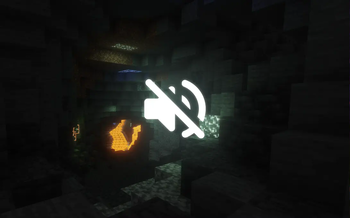 No Cave Ambience16x · by Trcmoe
Default Dark Mode: Expansion is created by aric3435 and published under its own All Rights Reserved terms. Those terms, or the terms of artwork the pack includes, don’t allow re-hosting, so we link to the author’s official download rather than mirroring it. MineSpecs is an unofficial fan project and is not affiliated with aric3435, Mojang Studios or Microsoft.