![Glass Bottom Boat [32x] preview](/resource-packs/covers/glass-boat.webp)
Glass Bottom Boat [32x] — 32x Minecraft resource pack
by SagXD
Glass Bottom Boat [32x] makes boat hulls transparent underneath, letting you peer down at the water and seabed as you sail. A fun 32x utility tweak.
This file: Minecraft 1.21.4 – 1.21.8
Licence: CC-BY-4.0Original projectVersion 0.6
SHA-1 95d8efdaf7959adf7fbe65c02e4897704ea6403e
Identical to the release on Modrinth.
How to install Glass Bottom Boat [32x]
- 1Download the Glass Bottom Boat [32x]
.zipfrom the button above — keep it zipped. It is hosted on MineSpecs, so there is no ad-gate or redirect. - 2Launch Minecraft 1.21.4 – 1.21.8 and open Options → Resource Packs → Open Pack Folder.
- 3Drop the .zip into that
resourcepacksfolder (%appdata%\.minecraft\resourcepackson Windows). - 4Back in-game, move Glass Bottom Boat [32x] to the right-hand column to activate it and click Done. No restart needed — textures swap immediately.
First time? How to install Minecraft resource packs
Resolution & compatibility
At 32x it doubles vanilla's detail while staying light — a safe pick for mid-range machines. Glass Bottom Boat [32x] retextures utility, and works alongside other packs — Minecraft applies them top-down, so put Glass Bottom Boat [32x] above any pack you want it to override. It also stacks cleanly with shader packs, since resource packs change textures while shaders change lighting.
More 32x resource packs
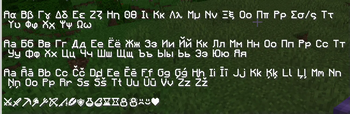 Slightly Improved Font (32x)32x · by Lat
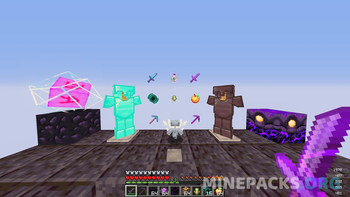 Marlowww+32x · by KhayHank
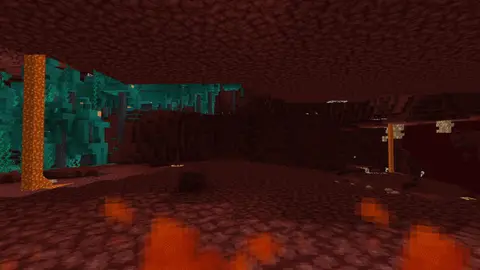 Better Low Fire32x · by gitq
 AetherPack x32 For Hypixel Skyblock32x · by skelarex.aetherien
Glass Bottom Boat [32x] is created by SagXD and mirrored here under its CC-BY-4.0 licence. MineSpecs is an unofficial fan project and is not affiliated with SagXD, Mojang Studios or Microsoft.