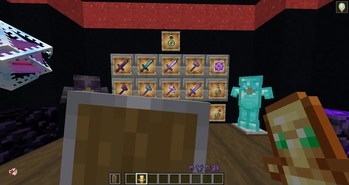
ItzRealMe Edit — 16x Minecraft resource pack
by CapTommy
An UNOFFICIAL ItzRealMe Texturepack. Made by CapTommy, it retextures combat, equipment, items, utility and vanilla like at 16x and works on Minecraft 1.19 – 26.1.2. It's licensed MIT, so the download is mirrored here on MineSpecs — drop the zip straight into your resourcepacks folder.
This file: Minecraft 26.1 – 26.1.2
Licence: MITOriginal projectVersion 1.0
SHA-1 ce80f93b0c40b7857558273d3ebc6625a7c44ad3
Identical to the release on Modrinth.
How to install ItzRealMe Edit
- 1Download the ItzRealMe Edit
.zipfrom the button above — keep it zipped. It is hosted on MineSpecs, so there is no ad-gate or redirect. - 2Launch Minecraft 26.1 – 26.1.2 and open Options → Resource Packs → Open Pack Folder.
- 3Drop the .zip into that
resourcepacksfolder (%appdata%\.minecraft\resourcepackson Windows). - 4Back in-game, move ItzRealMe Edit to the right-hand column to activate it and click Done. No restart needed — textures swap immediately.
First time? How to install Minecraft resource packs
Resolution & compatibility
At 16x it matches vanilla's native resolution, so it costs essentially no extra VRAM and runs anywhere Minecraft runs. ItzRealMe Edit retextures combat, equipment, items, utility, vanilla like, and works alongside other packs — Minecraft applies them top-down, so put ItzRealMe Edit above any pack you want it to override. It also stacks cleanly with shader packs, since resource packs change textures while shaders change lighting.
More 16x resource packs
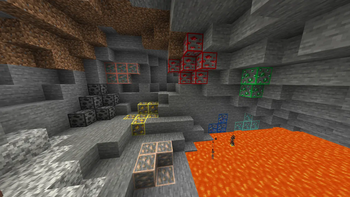 Ore Highlighter16x · by SirKillian
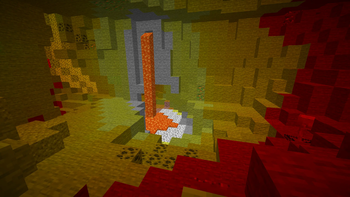 Light Levels16x · by Luracasmus
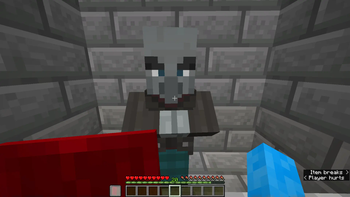 Visible Shield Cooldown16x · by Bluebird
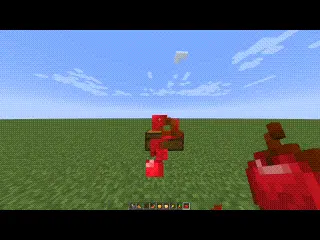 Eating Animation16x · by ThatCuteOne
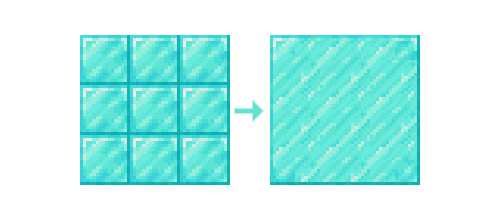 CTM Optifine - Fabric16x · by Aeldit
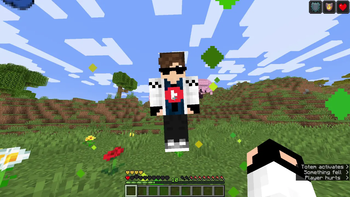 Custom Totem 3D16x · by spunkyinsaan
ItzRealMe Edit is created by CapTommy and mirrored here under its MIT licence. MineSpecs is an unofficial fan project and is not affiliated with CapTommy, Mojang Studios or Microsoft.