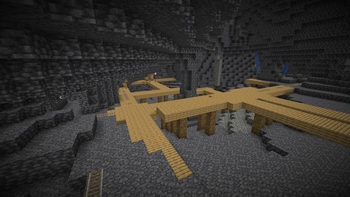
Night Vision — 16x Minecraft resource pack
by Luracasmus
Night Vision gently raises ambient brightness so dark caves and nights are easier to navigate without a full potion — a handy utility pack for explorers and builders.
This file: Minecraft 26.1 – 26.2
Licence: CC-BY-4.0Original projectSource codeVersion 3.0.0+84.88
SHA-1 665d15581065e824f5af5282b97a0557a6cd1155
Identical to the release on Modrinth.
How to install Night Vision
- 1Download the Night Vision
.zipfrom the button above — keep it zipped. It is hosted on MineSpecs, so there is no ad-gate or redirect. - 2Launch Minecraft 26.1 – 26.2 and open Options → Resource Packs → Open Pack Folder.
- 3Drop the .zip into that
resourcepacksfolder (%appdata%\.minecraft\resourcepackson Windows). - 4Back in-game, move Night Vision to the right-hand column to activate it and click Done. No restart needed — textures swap immediately.
First time? How to install Minecraft resource packs
Resolution & compatibility
At 16x it matches vanilla's native resolution, so it costs essentially no extra VRAM and runs anywhere Minecraft runs. Night Vision retextures environment, utility, and works alongside other packs — Minecraft applies them top-down, so put Night Vision above any pack you want it to override. It also stacks cleanly with shader packs, since resource packs change textures while shaders change lighting.
More 16x resource packs
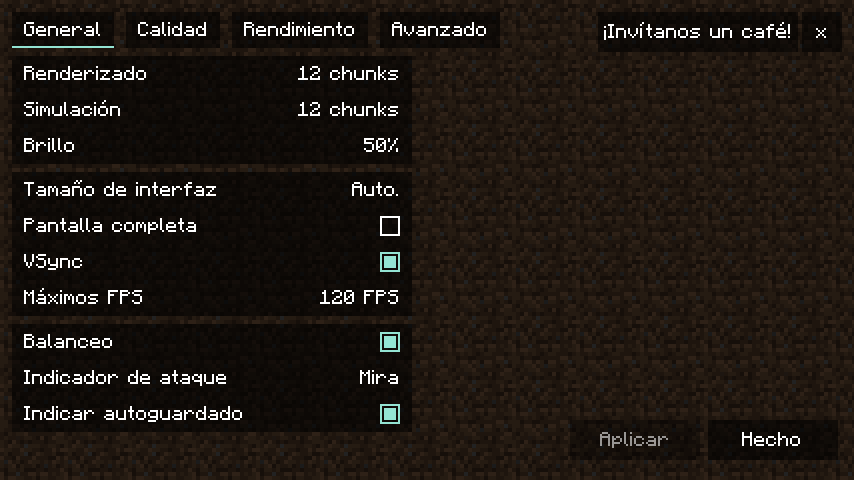 Translations for Sodium16x · by robotkoer
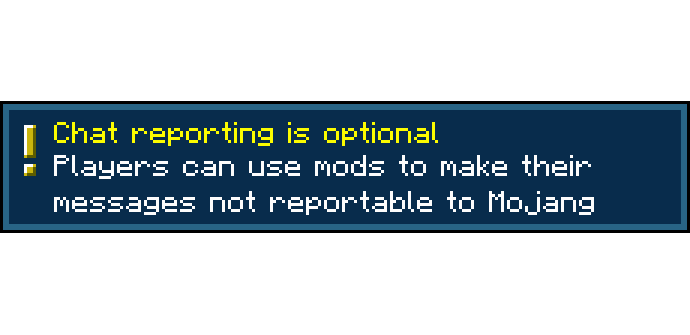 Chat Reporting Helper16x · by robotkoer
 Dungeons Crit Sound16x · by SylveHart
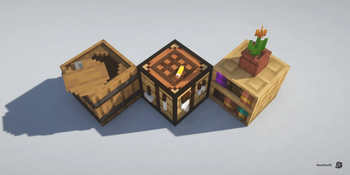 Nautilus 3D16x · by FabianMPunkt
 Blue Netherite16x · by ThatCuteOne
 Gentler Weather Sounds16x · by VesMaybeVesper
Night Vision is created by Luracasmus and mirrored here under its CC-BY-4.0 licence. MineSpecs is an unofficial fan project and is not affiliated with Luracasmus, Mojang Studios or Microsoft.