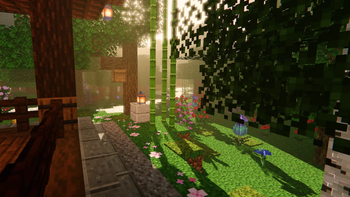
Aerial — Minecraft shader pack
by xsoras
Atmospheric lighting, skies, and natural landscapes. Aerial is a realistic / vanilla-like pack from xsoras, bringing atmosphere, colored lighting, PBR and shadows to your world. It targets medium-tier hardware and up and runs through Iris or OptiFine on Minecraft 1.17 – 26.2. Licensed Apache-2.0, so the download is mirrored right here on MineSpecs — no ads, no redirects.
This file: Minecraft 1.17 – 26.2 · Iris · OptiFine
Licence: Apache-2.0Original projectVersion 0.6
SHA-1 4526f29d57059312dd51d41160f13684886feebc
Identical to the release on Modrinth.
How to install Aerial
- 1Install a shader loader for Minecraft 1.17 – 26.2 — Iris (pairs with Sodium) or OptiFine. Aerial is a shaderpack, so it needs a loader to run.
- 2Download the Aerial
.zipfrom the button above — keep it zipped. It is mirrored on MineSpecs, so there is no ad-gate or redirect. - 3Drop the .zip into your
.minecraft/shaderpacksfolder (%appdata%\.minecraft\shaderpackson Windows,~/Library/Application Support/minecraft/shaderpackson macOS). - 4Launch the game, open Options → Video Settings → Shaders, and select Aerial.
First time? How to install Minecraft shaders
Performance & what to expect
Aerial is rated medium performance impact. It wants a mid-range dedicated GPU. Drop render distance a few chunks if you fall below 60 FPS. It renders atmosphere, colored lighting, pbr and shadows. The look is realistic and vanilla like. Because it supports PBR, it looks its best with a matching texture set — browse our free resource packs for one with normal and specular maps.
More realistic shaders
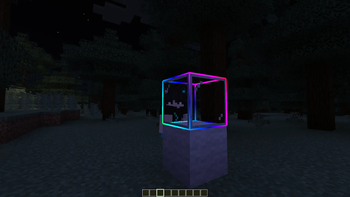 Select OutlinePotato impact · by OlvirkMC
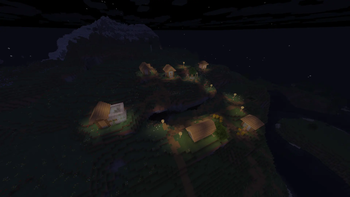 Cinnamon ShaderMedium impact · by Inchutter
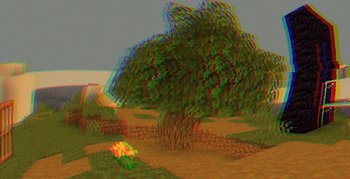 Demonic PossessionPotato impact · by xsoras
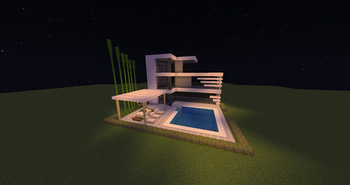 LucidusPotato impact · by VaKp
 Simply ShadedPotato impact · by NotAChillGuy
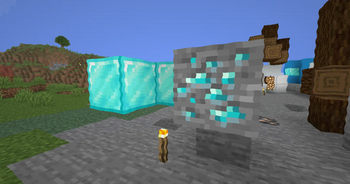 ZigCRTPotato impact · by xsoras
Aerial is created by xsoras and mirrored here under its Apache-2.0 licence. MineSpecs is an unofficial fan project and is not affiliated with xsoras, Mojang Studios or Microsoft.