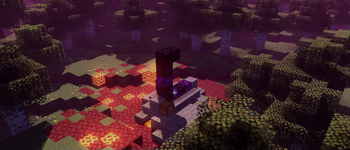
Baseline Shader — for Minecraft Java
by JoaquiX
An enhanced vanilla shaderpack with colored lighting. A vanilla like pack by JoaquiX featuring colored lighting and shadows, tuned for medium-tier hardware and better. Compatible with Iris across Minecraft 1.21.5 – 1.21.5. Licensed MIT, so the download is mirrored right here on MineSpecs — no ads, no redirects.
This file: Minecraft 1.21.5 · Iris
Licence: MITOriginal projectVersion 1.0
SHA-1 607c7ccee5d4a5b2ba33885c3fdac4d07af1a4a2
Identical to the release on Modrinth.
How to install Baseline Shader
- 1Install a shader loader for Minecraft 1.21.5 — Iris (pairs with Sodium) (its author supports Iris only). Baseline Shader is a shaderpack, so it needs a loader to run.
- 2Download the Baseline Shader
.zipfrom the button above — keep it zipped. It is mirrored on MineSpecs, so there is no ad-gate or redirect. - 3Drop the .zip into your
.minecraft/shaderpacksfolder (%appdata%\.minecraft\shaderpackson Windows,~/Library/Application Support/minecraft/shaderpackson macOS). - 4Launch the game, open Options → Video Settings → Shaders, and select Baseline Shader.
First time? How to install Minecraft shaders
Performance & what to expect
Baseline Shader is rated medium performance impact. It wants a mid-range dedicated GPU. Drop render distance a few chunks if you fall below 60 FPS. It renders colored lighting and shadows. The look is vanilla like.
More vanilla like shaders
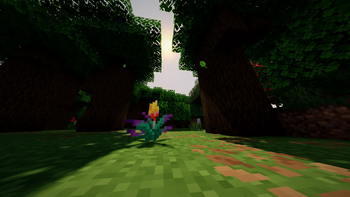 Baked Potato ShadersPotato impact · by GenWasTaken
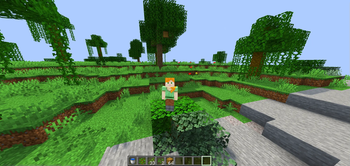 Haze ShaderLow impact · by Smyight
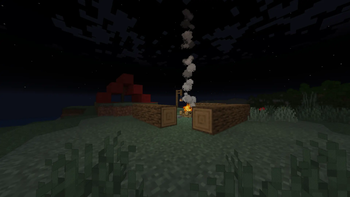 CartoonikalMedium impact · by Tektonikal
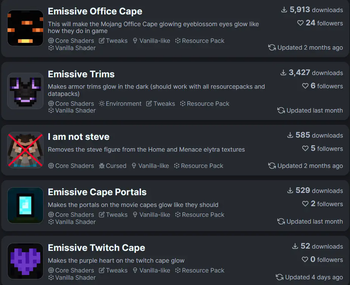 Blue's Core Shadersby Bluebird
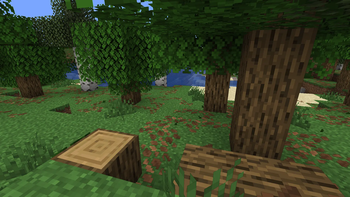 Adaptive OutlineMedium impact · by RodAnfatine
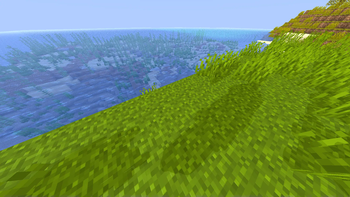 Nigthly FixPotato impact · by JT42JT42
Baseline Shader is created by JoaquiX and mirrored here under its MIT licence. MineSpecs is an unofficial fan project and is not affiliated with JoaquiX, Mojang Studios or Microsoft.