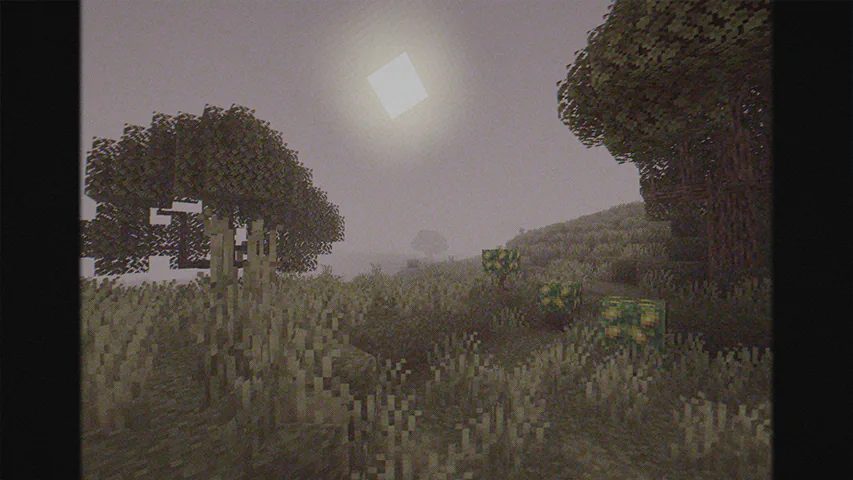
Cursed Fog — Minecraft shader pack
by LoLip_p
Cursed Fog drapes the world in dense, rolling volumetric fog for a genuinely eerie atmosphere. Perfect for horror maps, spooky builds and moody cinematics — and it barely touches your frame rate.
This file: Minecraft 1.8.9 – 26.2 · Iris · OptiFine
Licence: CC-BY-4.0Original projectVersion 1.0.8
SHA-1 f608b5c17230372fc5f447f6e9d028af939143a3
Identical to the release on Modrinth.
How to install Cursed Fog
- 1Install a shader loader for Minecraft 1.8.9 – 26.2 — Iris (pairs with Sodium) or OptiFine. Cursed Fog is a shaderpack, so it needs a loader to run.
- 2Download the Cursed Fog
.zipfrom the button above — keep it zipped. It is mirrored on MineSpecs, so there is no ad-gate or redirect. - 3Drop the .zip into your
.minecraft/shaderpacksfolder (%appdata%\.minecraft\shaderpackson Windows,~/Library/Application Support/minecraft/shaderpackson macOS). - 4Launch the game, open Options → Video Settings → Shaders, and select Cursed Fog.
First time? How to install Minecraft shaders
Performance & what to expect
Cursed Fog is rated low performance impact. It is comfortable on entry-level dedicated GPUs at a normal render distance. It renders atmosphere. The look is cursed and semi realistic.
More cursed shaders
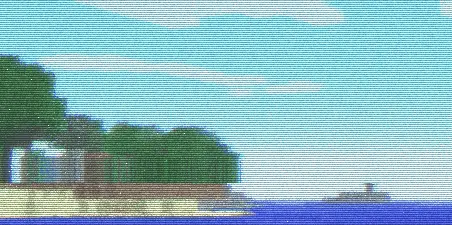 CTR VCRPotato impact · by millennIumAMbiguity
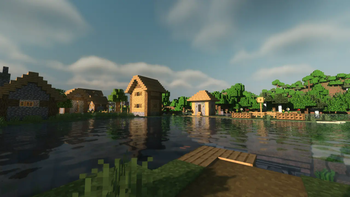 Musk Rose ShadersMedium impact · by Rin
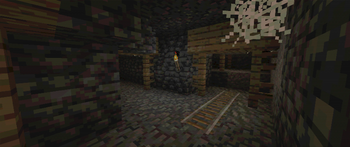 PSX ShaderPotato impact · by serbernus
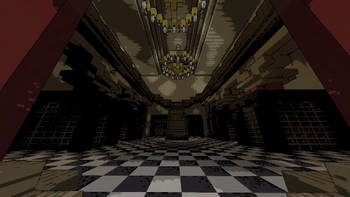 Lethal ShadersPotato impact · by doonv
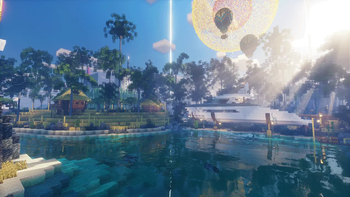 EscheridiaMedium impact · by QuirkyPlague
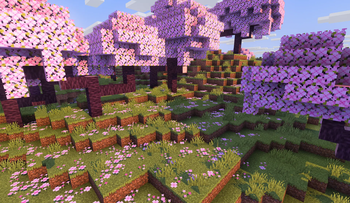 Blocky ShaderLow impact · by dvimidh
Cursed Fog is created by LoLip_p and mirrored here under its CC-BY-4.0 licence. MineSpecs is an unofficial fan project and is not affiliated with LoLip_p, Mojang Studios or Microsoft.