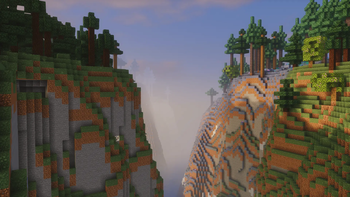
Fantasy.VT — Minecraft shader pack
by Vo1odyamorT
The shader with the effect of picturesqueness is created for real connoisseurs of the game. It is not only pleasing to the eye, but also optimized to work on any computer! Made by Vo1odyamorT, it leans cartoon / fantasy and ships atmosphere, PBR and shadows. Expect it to run comfortably from potato-tier hardware upward, on Minecraft 1.17 – 26.1.2 via Iris or OptiFine. Licensed MIT, so the download is mirrored right here on MineSpecs — no ads, no redirects.
This file: Minecraft 1.17 – 26.1.2 · Iris · OptiFine
Licence: MITOriginal projectVersion 1.0
SHA-1 8721d4e2dfc9ae61f1efac891fbe212986e88151
Identical to the release on Modrinth.
How to install Fantasy.VT
- 1Install a shader loader for Minecraft 1.17 – 26.1.2 — Iris (pairs with Sodium) or OptiFine. Fantasy.VT is a shaderpack, so it needs a loader to run.
- 2Download the Fantasy.VT
.zipfrom the button above — keep it zipped. It is mirrored on MineSpecs, so there is no ad-gate or redirect. - 3Drop the .zip into your
.minecraft/shaderpacksfolder (%appdata%\.minecraft\shaderpackson Windows,~/Library/Application Support/minecraft/shaderpackson macOS). - 4Launch the game, open Options → Video Settings → Shaders, and select Fantasy.VT.
First time? How to install Minecraft shaders
Performance & what to expect
Fantasy.VT is rated potato performance impact. It is the lightest tier in the catalogue — it runs on integrated graphics and older laptops. It renders atmosphere, pbr and shadows. The look is cartoon and fantasy. Because it supports PBR, it looks its best with a matching texture set — browse our free resource packs for one with normal and specular maps.
More cartoon shaders
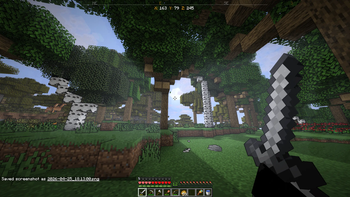 ONWARD ShaderMedium impact · by skelsmc
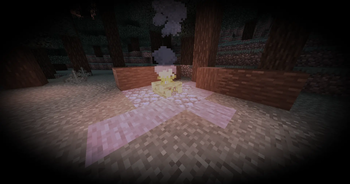 Dark Fantasy ShaderLow impact · by _GodlyCow
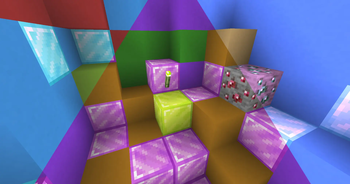 Colorblind SwapPotato impact · by xsoras
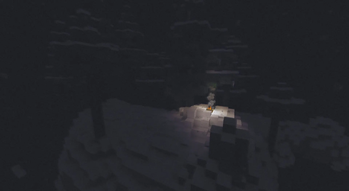 Realistic DarkLow impact · by dairycultist
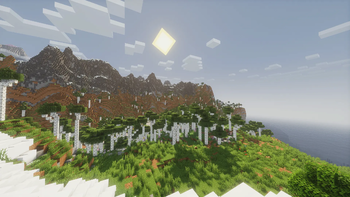 SoftShade ShaderLow impact · by PikaCat
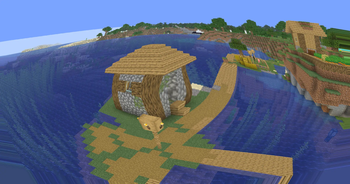 OshPotato impact · by xsoras
Fantasy.VT is created by Vo1odyamorT and mirrored here under its MIT licence. MineSpecs is an unofficial fan project and is not affiliated with Vo1odyamorT, Mojang Studios or Microsoft.