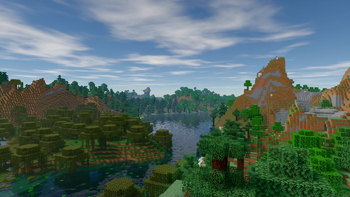
Glimmer — Minecraft shader pack
by jbritain
Glimmer brings path-traced global illumination to Minecraft: light bounces off surfaces and picks up their colour, giving interiors and cave systems a soft, lifelike glow. A modern, GPU-hungry showcase shader.
This file: Minecraft 1.20 – 1.21.11 · Iris
Licence: MITOriginal projectSource codeVersion 1.5.2
SHA-1 1ff8511a59ea09cbaf33e95bbad0030f8f3a27ef
Identical to the release on Modrinth.
How to install Glimmer
- 1Install a shader loader for Minecraft 1.20 – 1.21.11 — Iris (pairs with Sodium) (its author supports Iris only). Glimmer is a shaderpack, so it needs a loader to run.
- 2Download the Glimmer
.zipfrom the button above — keep it zipped. It is mirrored on MineSpecs, so there is no ad-gate or redirect. - 3Drop the .zip into your
.minecraft/shaderpacksfolder (%appdata%\.minecraft\shaderpackson Windows,~/Library/Application Support/minecraft/shaderpackson macOS). - 4Launch the game, open Options → Video Settings → Shaders, and select Glimmer.
First time? How to install Minecraft shaders
Performance & what to expect
Glimmer is rated high performance impact. It is demanding — treat it as a showcase pack rather than a survival daily-driver, and expect to tune render distance. It renders path tracing, colored lighting and shadows. The look is realistic.
More realistic shaders
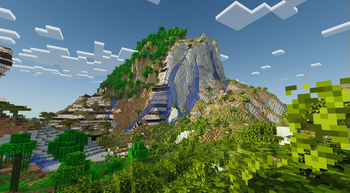 Pixel PerfectHigh impact · by epcr
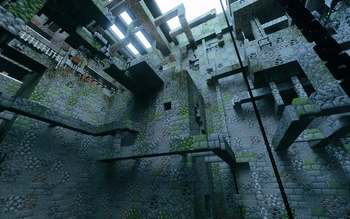 Dirt RTHigh impact · by sjrsjz
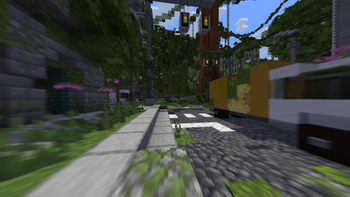 CH MotionPotato impact · by thompiejompie
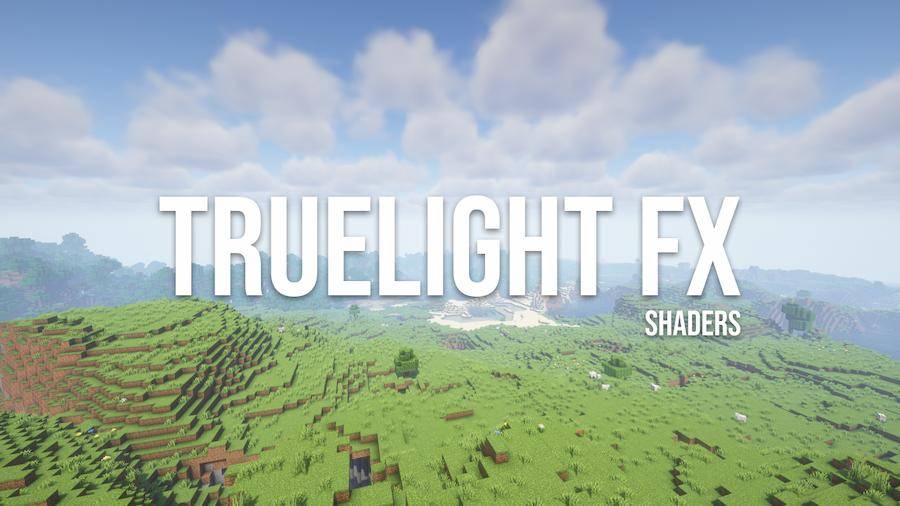 TrueLightFXMedium impact · by OGCRAFTNET_
 Sundial LiteMedium impact · by GeForceLegend
 ApexShaderby WpyQwq
Glimmer is created by jbritain and mirrored here under its MIT licence. MineSpecs is an unofficial fan project and is not affiliated with jbritain, Mojang Studios or Microsoft.