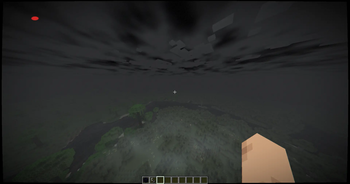
HorrorCraft — Minecraft shader pack
by itz.anshkumar
A horror shaderpack that transforms the game into a bodycam experience. Made by itz.anshkumar, it leans vanilla-like and ships atmosphere, colored lighting and shadows. It runs on Minecraft 1.21.5 – 1.21.5 via Iris or OptiFine. Licensed CC0-1.0, so the download is mirrored right here on MineSpecs — no ads, no redirects.
This file: Minecraft 1.21.5 · Iris · OptiFine
Licence: CC0-1.0Original projectSource codeVersion 1.0.0
SHA-1 197b4fb3ca9dd0ee7bec106791d309c39f2727a0
Identical to the release on Modrinth.
How to install HorrorCraft
- 1Install a shader loader for Minecraft 1.21.5 — Iris (pairs with Sodium) or OptiFine. HorrorCraft is a shaderpack, so it needs a loader to run.
- 2Download the HorrorCraft
.zipfrom the button above — keep it zipped. It is mirrored on MineSpecs, so there is no ad-gate or redirect. - 3Drop the .zip into your
.minecraft/shaderpacksfolder (%appdata%\.minecraft\shaderpackson Windows,~/Library/Application Support/minecraft/shaderpackson macOS). - 4Launch the game, open Options → Video Settings → Shaders, and select HorrorCraft.
First time? How to install Minecraft shaders
Performance & what to expect
itz.anshkumar gives HorrorCraft no performance rating, so check your frame rate at your usual render distance. It renders atmosphere, colored lighting and shadows. The look is cursed.
More cursed shaders
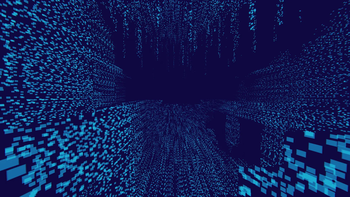 Cyberspace ShadersLow impact · by timtaran
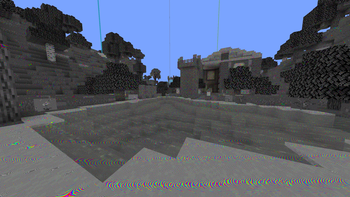 White NoisePotato impact · by sandrogunter
 CarmineMedium impact · by Snxhit
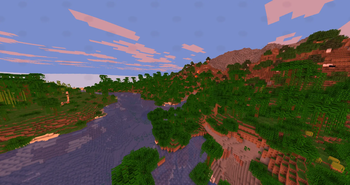 AlternateCraftMedium impact · by sasiaanders
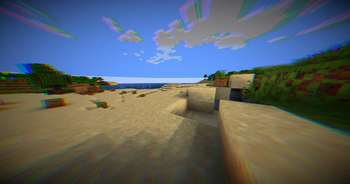 NostaLensPotato impact · by caju
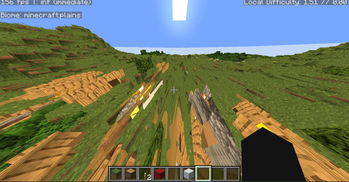 Vomit ShadersMedium impact · by krysek797
HorrorCraft is created by itz.anshkumar and mirrored here under its CC0-1.0 licence. MineSpecs is an unofficial fan project and is not affiliated with itz.anshkumar, Mojang Studios or Microsoft.