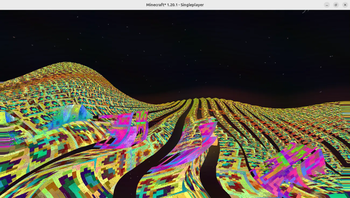
Mathematically Unplayable — Minecraft shader pack
by ultraepicultramods
An experimental shaderpack that dramatically distorts Minecraft's visuals using mathematical functions. Features dynamic psychedelic post-processing. A cursed pack by ultraepicultramods. Compatible with Iris and OptiFine across Minecraft 1.16 – 1.21.7. Licensed MIT, so the download is mirrored right here on MineSpecs — no ads, no redirects.
This file: Minecraft 1.16 – 1.21.7 · Iris · OptiFine
Licence: MITOriginal projectVersion 2.0.0
SHA-1 36587ffbcb854ba8c7f6ba8daf055c3ac8332e85
Identical to the release on Modrinth.
How to install Mathematically Unplayable
- 1Install a shader loader for Minecraft 1.16 – 1.21.7 — Iris (pairs with Sodium) or OptiFine. Mathematically Unplayable is a shaderpack, so it needs a loader to run.
- 2Download the Mathematically Unplayable
.zipfrom the button above — keep it zipped. It is mirrored on MineSpecs, so there is no ad-gate or redirect. - 3Drop the .zip into your
.minecraft/shaderpacksfolder (%appdata%\.minecraft\shaderpackson Windows,~/Library/Application Support/minecraft/shaderpackson macOS). - 4Launch the game, open Options → Video Settings → Shaders, and select Mathematically Unplayable.
First time? How to install Minecraft shaders
Performance & what to expect
ultraepicultramods gives Mathematically Unplayable no performance rating, so check your frame rate at your usual render distance. The look is cursed.
More cursed shaders
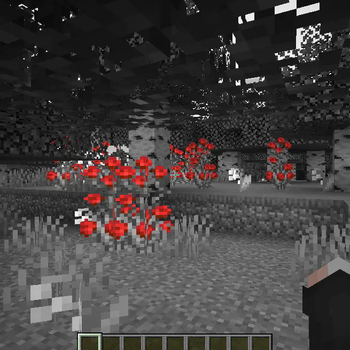 Color Splash ShadersPotato impact · by slink
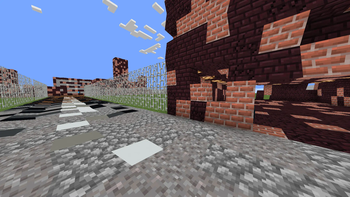 silly shadersLow impact · by remidu64
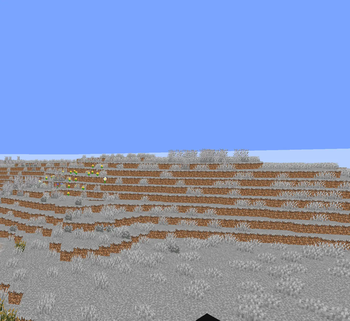 Grey Wobbly WorldMedium impact · by Ritz_Creator
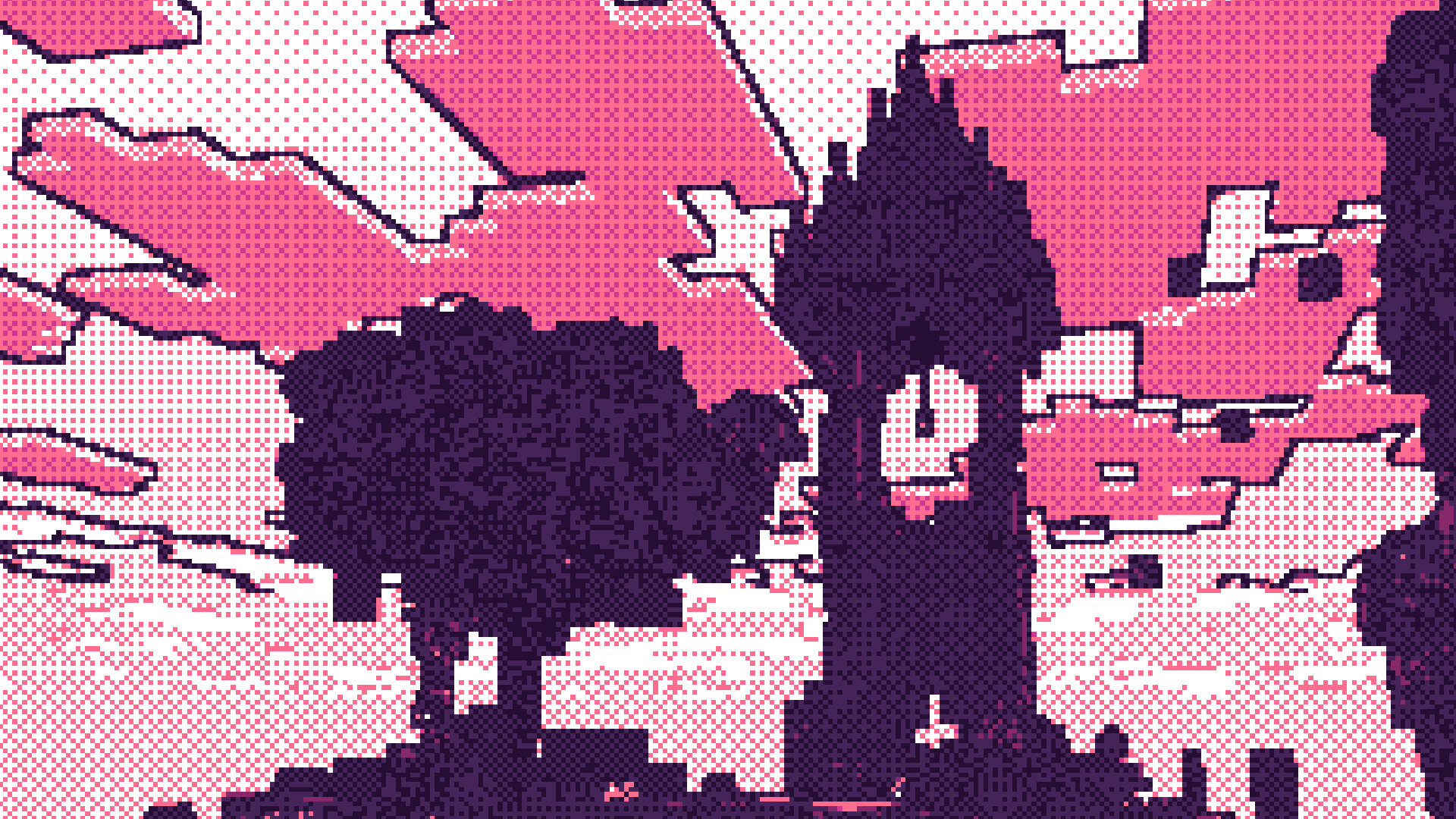 DitherPotato impact · by Snorfield
 Dithered ShaderPotato impact · by BouncingElf10
 RITEG-VHSPotato impact · by untodesu
Mathematically Unplayable is created by ultraepicultramods and mirrored here under its MIT licence. MineSpecs is an unofficial fan project and is not affiliated with ultraepicultramods, Mojang Studios or Microsoft.