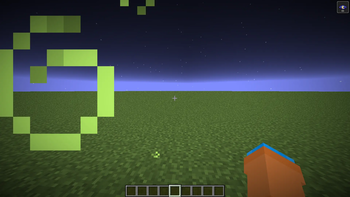
Night Vision Fix — Minecraft shader pack
by Bluebird
Fixes night vision on 1.21.9+ to include your brightness slider into the light calculation. Night Vision Fix is a vanilla like pack from Bluebird. It loads as a regular resource pack on Minecraft 1.21.9 – 1.21.11. Licensed CC-BY-4.0, so the download is mirrored right here on MineSpecs — no ads, no redirects.
This file: Minecraft 1.21.9 – 1.21.11 · resource pack (core shaders)
Licence: CC-BY-4.0Original projectVersion 1.0
SHA-1 83f35f309b67661940100839c3e12aa4b8a9e5be
Identical to the release on Modrinth.
How to install Night Vision Fix
- 1No shader loader needed — Night Vision Fix uses Minecraft’s own core shaders, so it installs like a resource pack on Minecraft 1.21.9 – 1.21.11.
- 2Download the Night Vision Fix
.zipfrom the button above — keep it zipped. It is mirrored on MineSpecs, so there is no ad-gate or redirect. - 3Drop the .zip into your
.minecraft/resourcepacksfolder (%appdata%\.minecraft\resourcepackson Windows,~/Library/Application Support/minecraft/resourcepackson macOS). - 4Launch the game, open Options → Resource Packs, move Night Vision Fix to the right-hand column and click Done.
First time? How to install Minecraft resource packs
Performance & what to expect
Bluebird gives Night Vision Fix no performance rating, so check your frame rate at your usual render distance. The look is vanilla like.
More vanilla like shaders
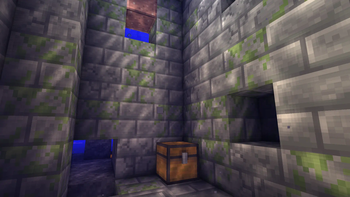 Liquorice ShadersPotato impact · by CraftsAndSteam
 Ascii like shaderPotato impact · by 5weetdev
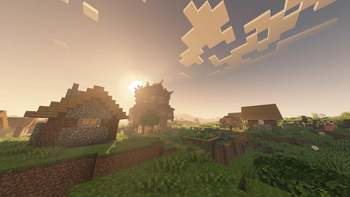 HyShaders - Fantasy EditionLow impact · by Hybred
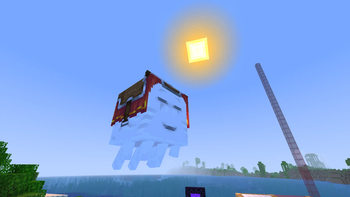 FreeVibrant ShadersMedium impact · by Takkkom
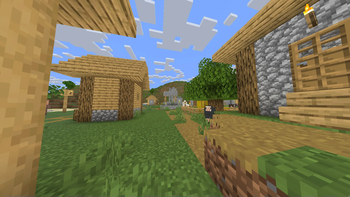 LightinglessPotato impact · by Maximilian1121
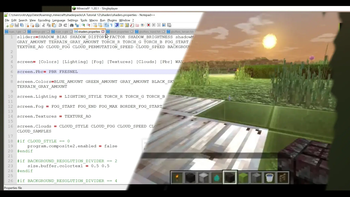 Make Your Own ShadersPotato impact · by timetravelbeard
Night Vision Fix is created by Bluebird and mirrored here under its CC-BY-4.0 licence. MineSpecs is an unofficial fan project and is not affiliated with Bluebird, Mojang Studios or Microsoft.