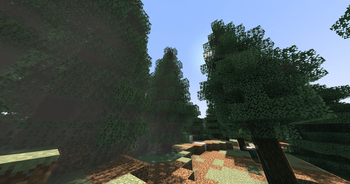
noodleshader — for Minecraft Java
by yengkeenoodles
Shaderpack that adds many interactive and realistic features such as foliage that reacts to you moving nearby, water reflections, godrays, and much more. yengkeenoodles built it as a semi realistic pack. It asks for medium-tier hardware at minimum and works with Iris or OptiFine on Minecraft 1.21 – 1.21.11. Licensed Apache-2.0, so the download is mirrored right here on MineSpecs — no ads, no redirects.
This file: Minecraft 1.21 – 1.21.11 · Iris · OptiFine
Licence: Apache-2.0Original projectVersion 0.1
SHA-1 8c566f9421bc248fa5c1f9faa90b62fb8de9b285
Identical to the release on Modrinth.
How to install noodleshader
- 1Install a shader loader for Minecraft 1.21 – 1.21.11 — Iris (pairs with Sodium) or OptiFine. noodleshader is a shaderpack, so it needs a loader to run.
- 2Download the noodleshader
.zipfrom the button above — keep it zipped. It is mirrored on MineSpecs, so there is no ad-gate or redirect. - 3Drop the .zip into your
.minecraft/shaderpacksfolder (%appdata%\.minecraft\shaderpackson Windows,~/Library/Application Support/minecraft/shaderpackson macOS). - 4Launch the game, open Options → Video Settings → Shaders, and select noodleshader.
First time? How to install Minecraft shaders
Performance & what to expect
noodleshader is rated medium performance impact. It wants a mid-range dedicated GPU. Drop render distance a few chunks if you fall below 60 FPS. The look is semi realistic.
More semi realistic shaders
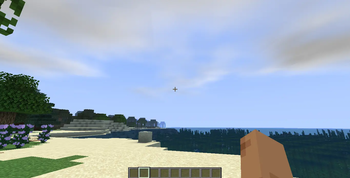 Aragorn's Light ShaderLow impact · by arnavnandurkar
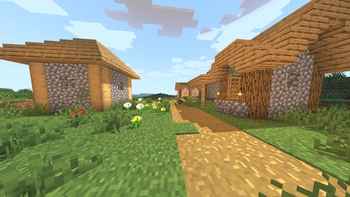 Ziran ShadersMedium impact · by Osaidii
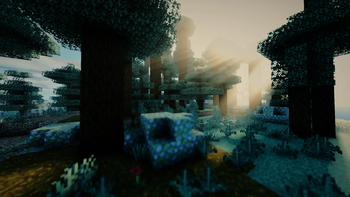 Atherial ShadersMedium impact · by Doveblond
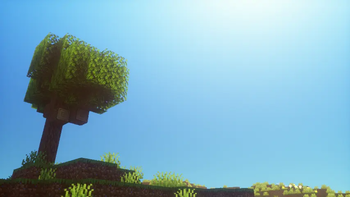 Hex ShadersPotato impact · by HarshitYDX
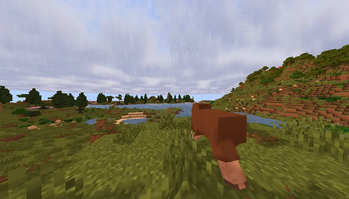 Ephyrium ShadersMedium impact · by rozhkov.egor2010
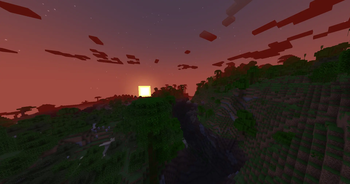 Visual AddonsPotato impact · by Qwatrum
noodleshader is created by yengkeenoodles and mirrored here under its Apache-2.0 licence. MineSpecs is an unofficial fan project and is not affiliated with yengkeenoodles, Mojang Studios or Microsoft.