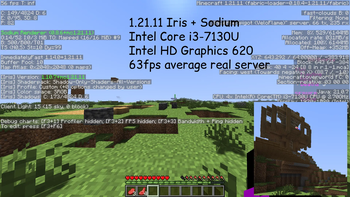
Nova's Vibrant Lite Shaders — for Minecraft Java
by NovaMods
Nova's Vibrant Lite Sharders is a Iris shaderpack that adds dynamic shadows, some lighting, and reflections without choking your PC. Made by NovaMods, it leans vanilla-like. It runs on Minecraft 1.20 – 1.21.11 via Iris or OptiFine. Licensed MIT, so the download is mirrored right here on MineSpecs — no ads, no redirects.
This file: Minecraft 1.20 – 1.21.11 · Iris · OptiFine
Licence: MITOriginal projectVersion v1.0.0
SHA-1 6ec42ab96937d99cd9feecd5c088a2b3359718b4
Identical to the release on Modrinth.
How to install Nova's Vibrant Lite Shaders
- 1Install a shader loader for Minecraft 1.20 – 1.21.11 — Iris (pairs with Sodium) or OptiFine. Nova's Vibrant Lite Shaders is a shaderpack, so it needs a loader to run.
- 2Download the Nova's Vibrant Lite Shaders
.zipfrom the button above — keep it zipped. It is mirrored on MineSpecs, so there is no ad-gate or redirect. - 3Drop the .zip into your
.minecraft/shaderpacksfolder (%appdata%\.minecraft\shaderpackson Windows,~/Library/Application Support/minecraft/shaderpackson macOS). - 4Launch the game, open Options → Video Settings → Shaders, and select Nova's Vibrant Lite Shaders.
First time? How to install Minecraft shaders
Performance & what to expect
NovaMods gives Nova's Vibrant Lite Shaders no performance rating, so check your frame rate at your usual render distance.
More shader packs
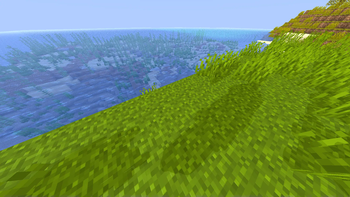 Nigthly FixPotato impact · by JT42JT42
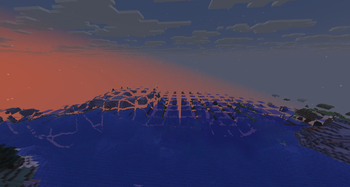 Chunk Tweaksby Dragoncraft
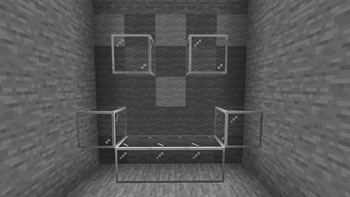 True Black & White Shader (Grayscale)Medium impact · by CmReNano
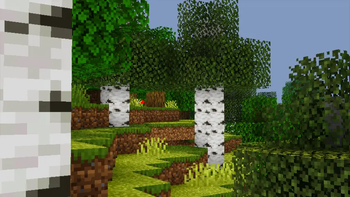 Pixelated ShadersPotato impact · by GamesofDev
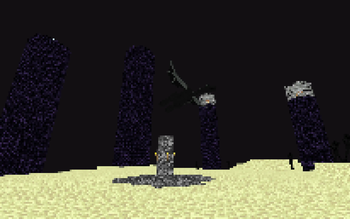 Retro Pixel Shader – NES StyleMedium impact · by Ritz_Creator
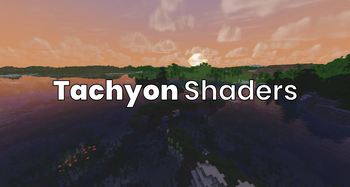 Tachyon ShadersLow impact · by JuliCai2010
Nova's Vibrant Lite Shaders is created by NovaMods and mirrored here under its MIT licence. MineSpecs is an unofficial fan project and is not affiliated with NovaMods, Mojang Studios or Microsoft.