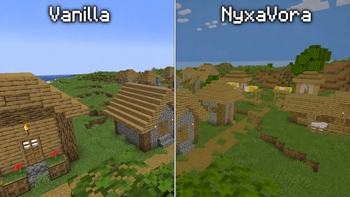
NyxaVora — Minecraft shader pack
by xEnif
Colorful shaderpack made to make Minecraft feel brighter, softer, and more atmospheric without destroying performance. It keeps the vanilla style recognizable while adding pleasant colors, gentle lighting, and a clean fantasy-like look. Made by xEnif, it leans fantasy. Expect it to run comfortably from potato-tier hardware upward, on Minecraft 1.21 – 26.1.2 via Iris or OptiFine. Licensed MIT, so the download is mirrored right here on MineSpecs — no ads, no redirects.
This file: Minecraft 1.21 – 26.1.2 · Iris · OptiFine
Licence: MITOriginal projectVersion 1.0
SHA-1 c3ed59dd4040521cb47759d91908a4e415d3121a
Identical to the release on Modrinth.
How to install NyxaVora
- 1Install a shader loader for Minecraft 1.21 – 26.1.2 — Iris (pairs with Sodium) or OptiFine. NyxaVora is a shaderpack, so it needs a loader to run.
- 2Download the NyxaVora
.zipfrom the button above — keep it zipped. It is mirrored on MineSpecs, so there is no ad-gate or redirect. - 3Drop the .zip into your
.minecraft/shaderpacksfolder (%appdata%\.minecraft\shaderpackson Windows,~/Library/Application Support/minecraft/shaderpackson macOS). - 4Launch the game, open Options → Video Settings → Shaders, and select NyxaVora.
First time? How to install Minecraft shaders
Performance & what to expect
NyxaVora is rated potato performance impact. It is the lightest tier in the catalogue — it runs on integrated graphics and older laptops. The look is fantasy.
More fantasy shaders
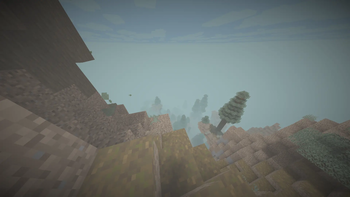 EnS-hAderPotato impact · by mertyydree
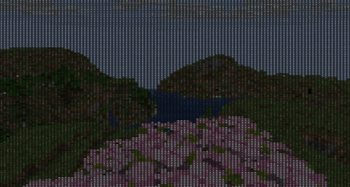 Ascii-CraftLow impact · by Eraxty
 GreenVoidPotato impact · by codersoft
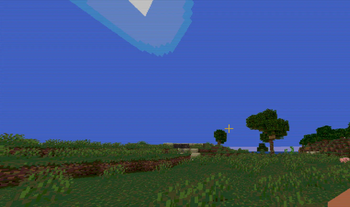 RetroPixelPotato impact · by UraniumTr
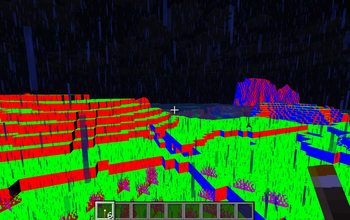 DREDGIVIBELow impact · by jacob.kalbhenn
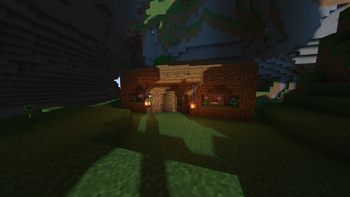 SillyWankerShaderPotato impact · by bombacat
NyxaVora is created by xEnif and mirrored here under its MIT licence. MineSpecs is an unofficial fan project and is not affiliated with xEnif, Mojang Studios or Microsoft.