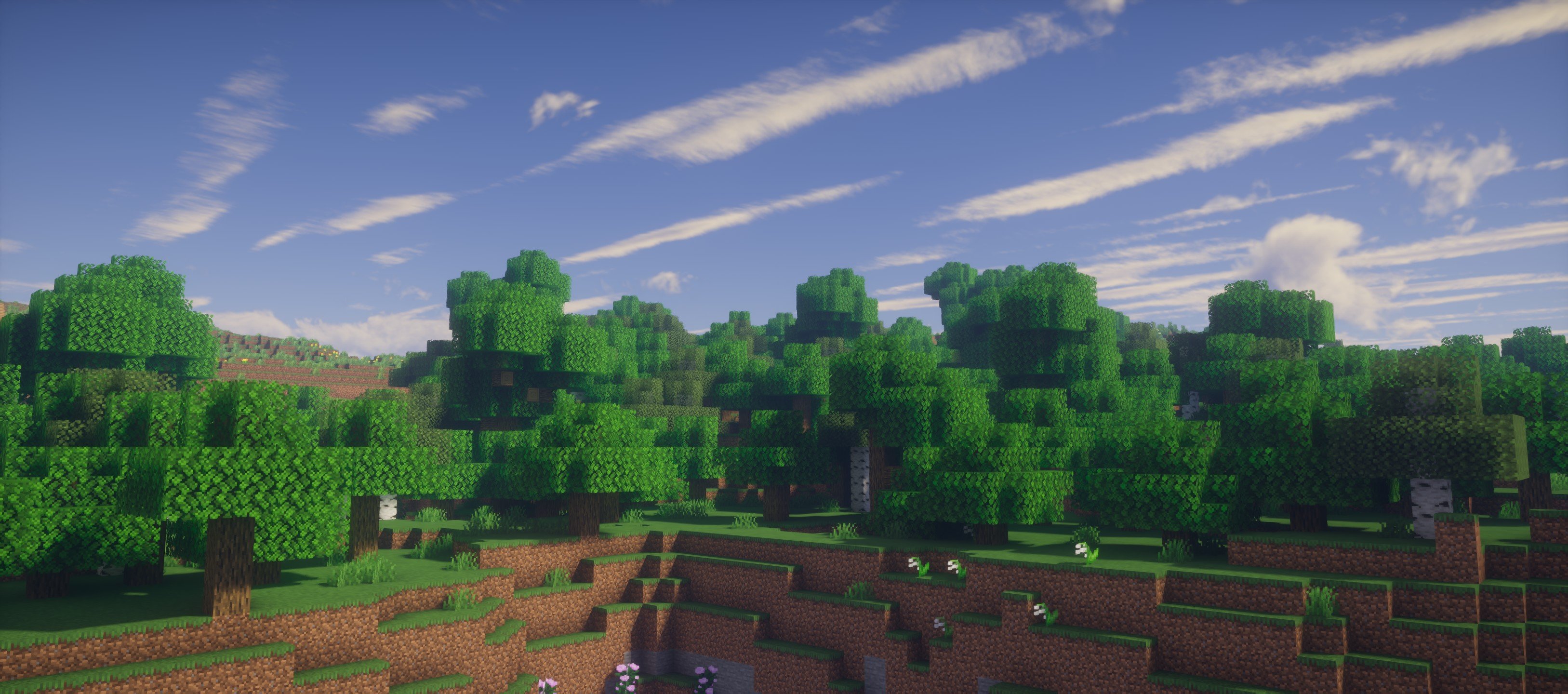
UShader — for Minecraft Java
by RRe36
UShader is RRe36 revisiting an old SEUS modification of theirs — rebuilt entirely, without reusing any of the original code. The result is a semi-realistic pack with that particular late-2010s character: warm, atmospheric, a little soft. Worth trying if you remember the SEUS era fondly but want something maintained. All Rights Reserved, so download it from the official page.
How to install UShader
- 1Install a shader loader for Minecraft 1.16 – 1.21.4 — Iris (pairs with Sodium) or OptiFine. UShader is a shaderpack, so it needs a loader to run.
- 2Download the UShader
.zipfrom the button above — keep it zipped. Its licence doesn’t permit re-hosting, so that button takes you to the official modrinth.com page — always the newest build, straight from the author. - 3Drop the .zip into your
.minecraft/shaderpacksfolder (%appdata%\.minecraft\shaderpackson Windows,~/Library/Application Support/minecraft/shaderpackson macOS). - 4Launch the game, open Options → Video Settings → Shaders, and select UShader.
First time? How to install Minecraft shaders
Performance & what to expect
UShader is rated medium performance impact. It wants a mid-range dedicated GPU. Drop render distance a few chunks if you fall below 60 FPS. It renders atmosphere. The look is semi realistic.
More semi realistic shaders
 Luxora ShadersPotato impact · by HoneyStudios
 Pagoda ShadersMedium impact · by GamesofDev
 the Next ShaderMedium impact · by Coldnight
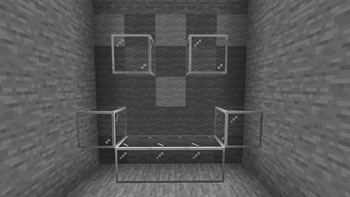 True Black & White Shader (Grayscale)Medium impact · by CmReNano
 Exposa ShadersLow impact · by MelodieCodes
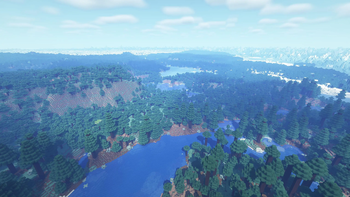 OPAL ShadersMedium impact · by FENVEN
UShader is created by RRe36 and published under its own All Rights Reserved terms. We link to the author’s official download rather than mirroring it — the pack is theirs, and its licence asks that it stay that way. MineSpecs is an unofficial fan project and is not affiliated with RRe36, Mojang Studios or Microsoft.