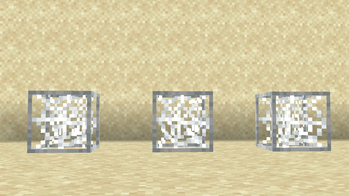
Cobweb Outline — 16x Minecraft resource pack
by GAMER_TIGE99
Highlights cobwebs with a clean outline to improve visibility and control during PvP fights. GAMER_TIGE99 ships it at 16x, touching blocks, combat, equipment, simplistic, tweaks and vanilla like across Minecraft 1.19 – 26.2. It's licensed MIT, so the download is mirrored here on MineSpecs — drop the zip straight into your resourcepacks folder.
This file: Minecraft 26.2
Licence: MITOriginal projectVersion 26.2
SHA-1 7969a49bb616380b668fdedde7385860034f5e1d
Identical to the release on Modrinth.
How to install Cobweb Outline
- 1Download the Cobweb Outline
.zipfrom the button above — keep it zipped. It is hosted on MineSpecs, so there is no ad-gate or redirect. - 2Launch Minecraft 26.2 and open Options → Resource Packs → Open Pack Folder.
- 3Drop the .zip into that
resourcepacksfolder (%appdata%\.minecraft\resourcepackson Windows). - 4Back in-game, move Cobweb Outline to the right-hand column to activate it and click Done. No restart needed — textures swap immediately.
First time? How to install Minecraft resource packs
Resolution & compatibility
At 16x it matches vanilla's native resolution, so it costs essentially no extra VRAM and runs anywhere Minecraft runs. Cobweb Outline retextures blocks, combat, equipment, simplistic, tweaks, vanilla like, and works alongside other packs — Minecraft applies them top-down, so put Cobweb Outline above any pack you want it to override. It also stacks cleanly with shader packs, since resource packs change textures while shaders change lighting.
More 16x resource packs
 Truly Small Items16x · by ChedRed
 ChicknTurtle's Better Shield16x · by ChicknTurtle
 RGB Block Outline16x · by KargoDiaz
 unofficial translation of voxy16x · by lp0ko9ji841
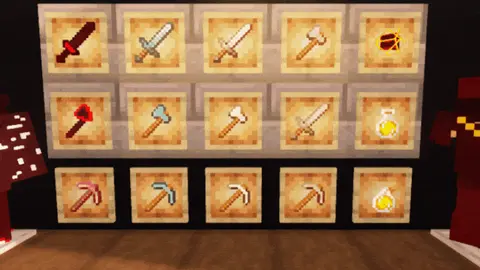 Dripped PvP16x · by CapTommy
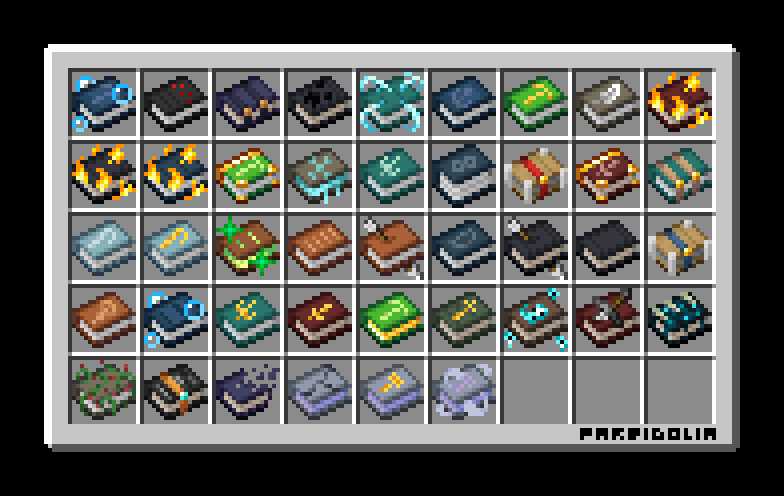 Bibliophilia | Enchanted Books16x · by PareidoliaG
Cobweb Outline is created by GAMER_TIGE99 and mirrored here under its MIT licence. MineSpecs is an unofficial fan project and is not affiliated with GAMER_TIGE99, Mojang Studios or Microsoft.