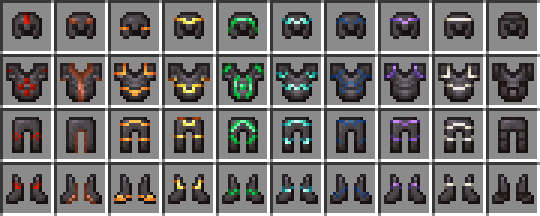
Visual: Armor Trims — 16x Minecraft resource pack
by thanos
Visual: Armor Trims refines how armour trims render for a cleaner, more consistent look across materials. A tasteful items tweak, shared under CC-BY-SA (share-alike).
This file: Minecraft 1.21.11 – 26.2
Licence: CC-BY-SA-4.0Original projectSource codeVersion 4.2
SHA-1 2569a102ba64243c6aa7ee1195386dfe3410b5f9
Identical to the release on Modrinth.
How to install Visual: Armor Trims
- 1Download the Visual: Armor Trims
.zipfrom the button above — keep it zipped. It is hosted on MineSpecs, so there is no ad-gate or redirect. - 2Launch Minecraft 1.21.11 – 26.2 and open Options → Resource Packs → Open Pack Folder.
- 3Drop the .zip into that
resourcepacksfolder (%appdata%\.minecraft\resourcepackson Windows). - 4Back in-game, move Visual: Armor Trims to the right-hand column to activate it and click Done. No restart needed — textures swap immediately.
First time? How to install Minecraft resource packs
Resolution & compatibility
At 16x it matches vanilla's native resolution, so it costs essentially no extra VRAM and runs anywhere Minecraft runs. Visual: Armor Trims retextures items, and works alongside other packs — Minecraft applies them top-down, so put Visual: Armor Trims above any pack you want it to override. It also stacks cleanly with shader packs, since resource packs change textures while shaders change lighting.
More 16x resource packs
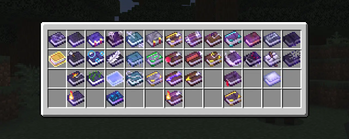 Even Better Enchants16x · by mythitorium
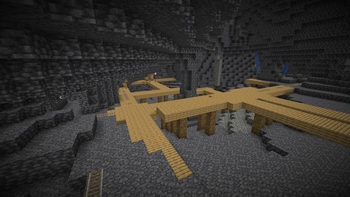 Night Vision16x · by Luracasmus
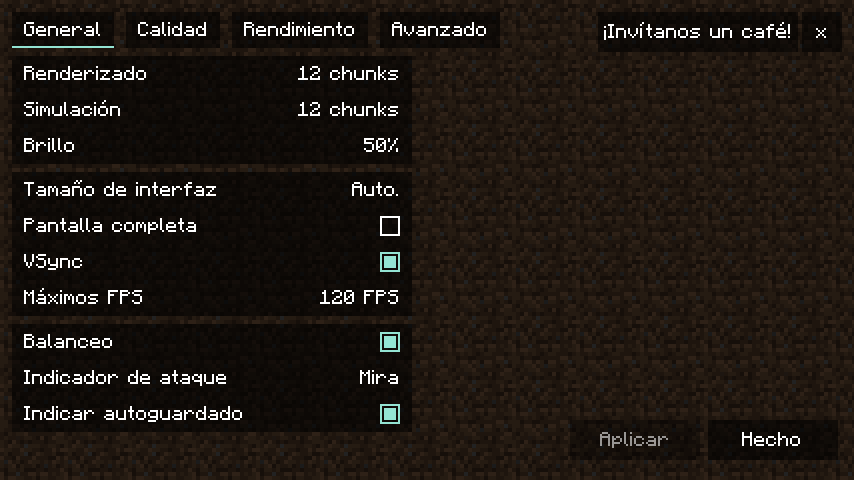 Translations for Sodium16x · by robotkoer
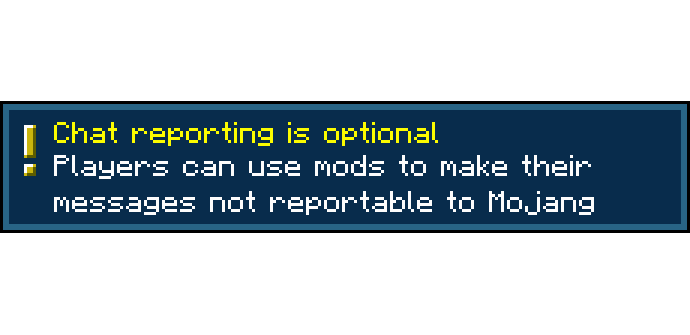 Chat Reporting Helper16x · by robotkoer
 Dungeons Crit Sound16x · by SylveHart
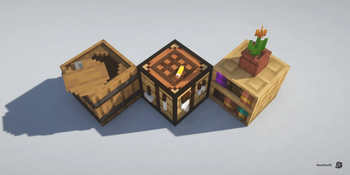 Nautilus 3D16x · by FabianMPunkt
Visual: Armor Trims is created by thanos and mirrored here under its CC-BY-SA-4.0 licence. MineSpecs is an unofficial fan project and is not affiliated with thanos, Mojang Studios or Microsoft.