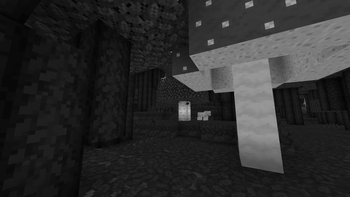
Black And White Shaders — for Minecraft Java
by Duucked
Cinematic grayscale shader pack. Duucked built it as a vanilla like pack with atmosphere. It asks for potato-tier hardware at minimum and works with Iris or OptiFine on Minecraft 1.16.5 – 26.2. Licensed MIT, so the download is mirrored right here on MineSpecs — no ads, no redirects.
This file: Minecraft 1.16.5 – 26.2 · Iris · OptiFine
Licence: MITOriginal projectVersion 3.0
SHA-1 8b4d6346ccdc9fd079918db0a292a66c1d924fc1
Identical to the release on Modrinth.
How to install Black And White Shaders
- 1Install a shader loader for Minecraft 1.16.5 – 26.2 — Iris (pairs with Sodium) or OptiFine. Black And White Shaders is a shaderpack, so it needs a loader to run.
- 2Download the Black And White Shaders
.zipfrom the button above — keep it zipped. It is mirrored on MineSpecs, so there is no ad-gate or redirect. - 3Drop the .zip into your
.minecraft/shaderpacksfolder (%appdata%\.minecraft\shaderpackson Windows,~/Library/Application Support/minecraft/shaderpackson macOS). - 4Launch the game, open Options → Video Settings → Shaders, and select Black And White Shaders.
First time? How to install Minecraft shaders
Performance & what to expect
Black And White Shaders is rated potato performance impact. It is the lightest tier in the catalogue — it runs on integrated graphics and older laptops. It renders atmosphere. The look is vanilla like.
More vanilla like shaders
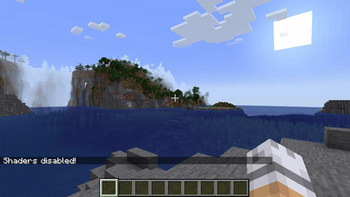 Base-ShaderPotato impact · by Bestsoft100
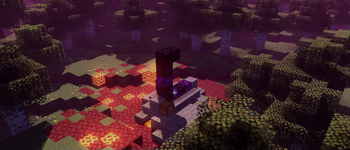 Baseline ShaderMedium impact · by JoaquiX
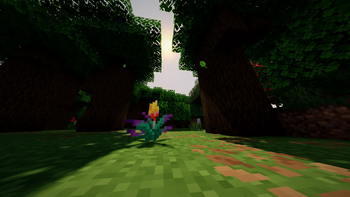 Baked Potato ShadersPotato impact · by GenWasTaken
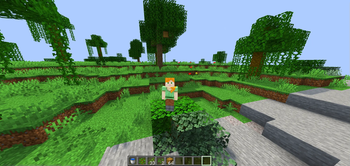 Haze ShaderLow impact · by Smyight
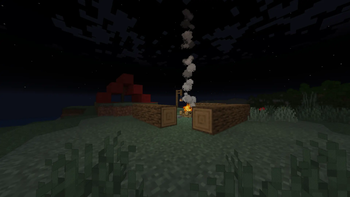 CartoonikalMedium impact · by Tektonikal
 Blue's Core Shadersby Bluebird
Black And White Shaders is created by Duucked and mirrored here under its MIT licence. MineSpecs is an unofficial fan project and is not affiliated with Duucked, Mojang Studios or Microsoft.