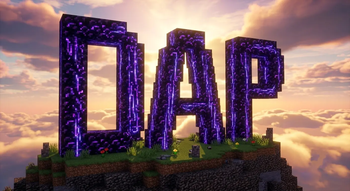
DAP Shaders — for Minecraft Java
by DAPTIME
The best shader to exist! Adds a ton of new graphic elements to the game. Made by DAPTIME, it leans vanilla-like and ships colored lighting, PBR and reflections. Expect it to run comfortably from medium-tier hardware upward, on Minecraft 1.16 – 26.2 via Iris or OptiFine. Licensed Apache-2.0, so the download is mirrored right here on MineSpecs — no ads, no redirects.
This file: Minecraft 1.16 – 26.2 · Iris · OptiFine
Licence: Apache-2.0Original projectVersion 4.0
SHA-1 b916a05b457ab39513e5078bf8160a437e836363
Identical to the release on Modrinth.
How to install DAP Shaders
- 1Install a shader loader for Minecraft 1.16 – 26.2 — Iris (pairs with Sodium) or OptiFine. DAP Shaders is a shaderpack, so it needs a loader to run.
- 2Download the DAP Shaders
.zipfrom the button above — keep it zipped. It is mirrored on MineSpecs, so there is no ad-gate or redirect. - 3Drop the .zip into your
.minecraft/shaderpacksfolder (%appdata%\.minecraft\shaderpackson Windows,~/Library/Application Support/minecraft/shaderpackson macOS). - 4Launch the game, open Options → Video Settings → Shaders, and select DAP Shaders.
First time? How to install Minecraft shaders
Performance & what to expect
DAP Shaders is rated medium performance impact. It wants a mid-range dedicated GPU. Drop render distance a few chunks if you fall below 60 FPS. It renders colored lighting, pbr and reflections. The look is realistic, semi realistic and vanilla like. Because it supports PBR, it looks its best with a matching texture set — browse our free resource packs for one with normal and specular maps.
More realistic shaders
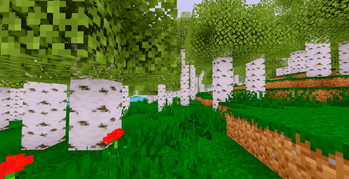 R-T-SLow impact · by eiden
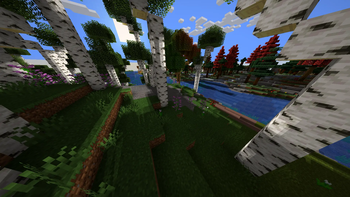 Ultra Lite ShadowsPotato impact · by tfkusal_shakya1000
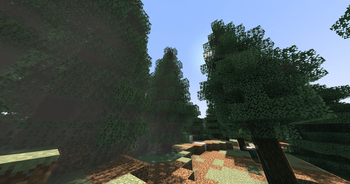 noodleshaderMedium impact · by yengkeenoodles
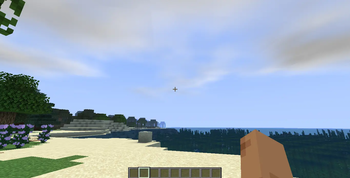 Aragorn's Light ShaderLow impact · by arnavnandurkar
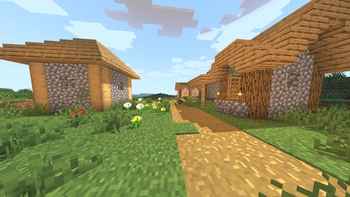 Ziran ShadersMedium impact · by Osaidii
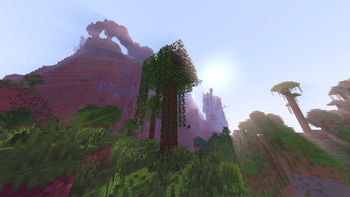 Candela ShadersLow impact · by THEbluefirestudios
DAP Shaders is created by DAPTIME and mirrored here under its Apache-2.0 licence. MineSpecs is an unofficial fan project and is not affiliated with DAPTIME, Mojang Studios or Microsoft.