
Kute — Minecraft shader pack
by OmqItzJames8
A lightweight shader that’s easy on performance and gives Minecraft a soft, dreamy vibe :D First shader i created :D. OmqItzJames8 built it as a fantasy / vanilla-like pack with atmosphere and bloom. It asks for low-tier hardware at minimum and works with Iris or OptiFine on Minecraft 1.8 – 1.21.11. Licensed MIT, so the download is mirrored right here on MineSpecs — no ads, no redirects.
This file: Minecraft 1.8 – 1.21.11 · Iris · OptiFine
Licence: MITOriginal projectSource codeVersion 1.0
SHA-1 84d0a68a49bc937c5c225ff04460c95edb5b8d3e
Identical to the release on Modrinth.
How to install Kute
- 1Install a shader loader for Minecraft 1.8 – 1.21.11 — Iris (pairs with Sodium) or OptiFine. Kute is a shaderpack, so it needs a loader to run.
- 2Download the Kute
.zipfrom the button above — keep it zipped. It is mirrored on MineSpecs, so there is no ad-gate or redirect. - 3Drop the .zip into your
.minecraft/shaderpacksfolder (%appdata%\.minecraft\shaderpackson Windows,~/Library/Application Support/minecraft/shaderpackson macOS). - 4Launch the game, open Options → Video Settings → Shaders, and select Kute.
First time? How to install Minecraft shaders
Performance & what to expect
Kute is rated low performance impact. It is comfortable on entry-level dedicated GPUs at a normal render distance. It renders atmosphere and bloom. The look is fantasy and vanilla like.
More fantasy shaders
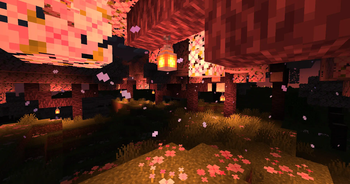 ReluminationPotato impact · by Sandmuel
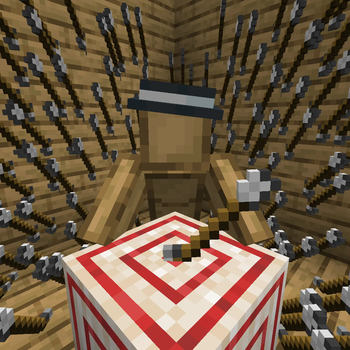 Itemed arrowsby DartCat25
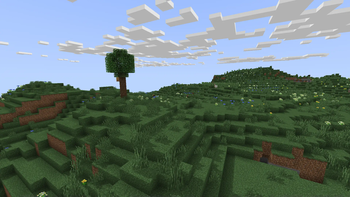 MINIMALPotato impact · by felixmgoff
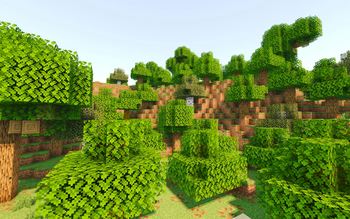 Lantern-shaderPotato impact · by lanzhan5656
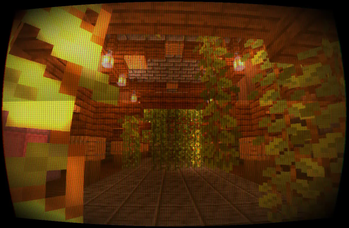 Ancient DreamPotato impact · by lanzhan5656
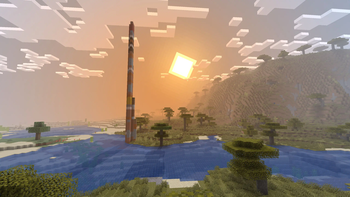 Voxel Vibesby JavaJumper
Kute is created by OmqItzJames8 and mirrored here under its MIT licence. MineSpecs is an unofficial fan project and is not affiliated with OmqItzJames8, Mojang Studios or Microsoft.