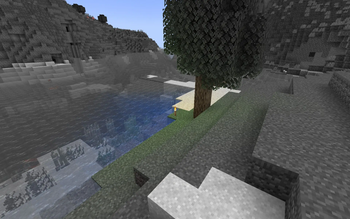
No Light — No Color! — Minecraft shader pack
by SuperAnt_
Blocks gradually turn black and white as light levels decrease. SuperAnt_ built it as a cursed pack. It loads as a regular resource pack on Minecraft 1.17 – 1.21.11, no shader loader needed. Licensed MIT, so the download is mirrored right here on MineSpecs — no ads, no redirects.
This file: Minecraft 1.20.2 – 1.21.11 · resource pack (core shaders)
Licence: MITOriginal projectVersion 1.2
SHA-1 8e98bf84d17a01590aeec4aa89087857167ae8ce
Identical to the release on Modrinth.
How to install No Light — No Color!
- 1No shader loader needed — No Light — No Color! uses Minecraft’s own core shaders, so it installs like a resource pack on Minecraft 1.20.2 – 1.21.11.
- 2Download the No Light — No Color!
.zipfrom the button above — keep it zipped. It is mirrored on MineSpecs, so there is no ad-gate or redirect. - 3Drop the .zip into your
.minecraft/resourcepacksfolder (%appdata%\.minecraft\resourcepackson Windows,~/Library/Application Support/minecraft/resourcepackson macOS). - 4Launch the game, open Options → Resource Packs, move No Light — No Color! to the right-hand column and click Done.
First time? How to install Minecraft resource packs
Performance & what to expect
SuperAnt_ gives No Light — No Color! no performance rating, so check your frame rate at your usual render distance. The look is cursed.
More cursed shaders
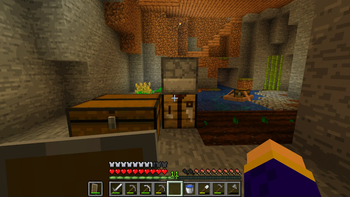 cel shaderPotato impact · by idkWorker13
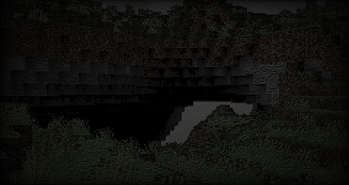 Ascii like shaderPotato impact · by 5weetdev
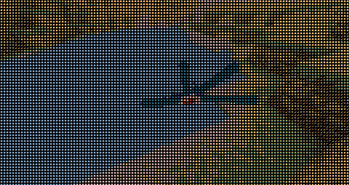 Emoji like shaderPotato impact · by 5weetdev
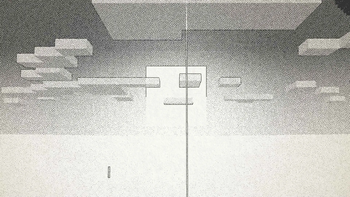 Ink ShaderPotato impact · by BouncingElf10
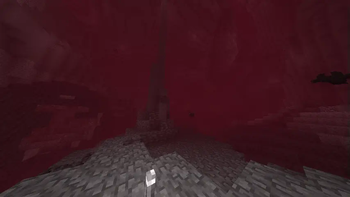 Bloody ShadersMedium impact · by trece313
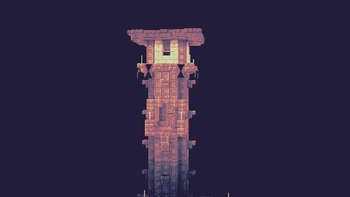 PhialPotato impact · by Snorfield
No Light — No Color! is created by SuperAnt_ and mirrored here under its MIT licence. MineSpecs is an unofficial fan project and is not affiliated with SuperAnt_, Mojang Studios or Microsoft.