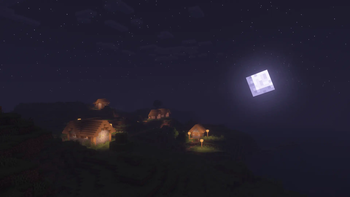
Pastel Shaders — for Minecraft Java
by ElocinDev
Pastel is ElocinDev in a completely different mood from Insanity: gentle, washed colour grading with a set of presets that swing from candy pink to cool mint. It is the shortcut to that soft cottagecore screenshot look without hand-tuning a colour curve for an hour, and it stays light because most of the work is grading rather than heavy lighting. All Rights Reserved, so the download lives on the author's page.
How to install Pastel Shaders
- 1Install a shader loader for Minecraft 1.7.10 – 1.21 — Iris (pairs with Sodium) or OptiFine. Pastel Shaders is a shaderpack, so it needs a loader to run.
- 2Download the Pastel Shaders
.zipfrom the button above — keep it zipped. Its licence doesn’t permit re-hosting, so that button takes you to the official modrinth.com page — always the newest build, straight from the author. - 3Drop the .zip into your
.minecraft/shaderpacksfolder (%appdata%\.minecraft\shaderpackson Windows,~/Library/Application Support/minecraft/shaderpackson macOS). - 4Launch the game, open Options → Video Settings → Shaders, and select Pastel Shaders.
First time? How to install Minecraft shaders
Performance & what to expect
Pastel Shaders is rated low performance impact. It is comfortable on entry-level dedicated GPUs at a normal render distance. It renders atmosphere and bloom. The look is cartoon.
More cartoon shaders
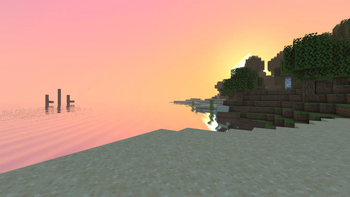 Pagoda ShadersMedium impact · by GamesofDev
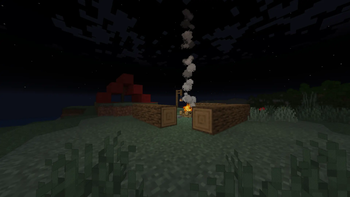 CartoonikalMedium impact · by Tektonikal
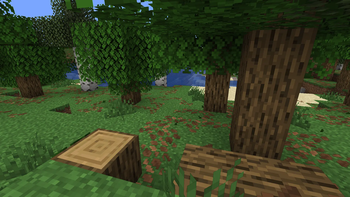 Adaptive OutlineMedium impact · by RodAnfatine
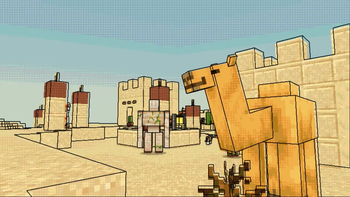 Ghibli ShadersPotato impact · by GamesofDev
 AstraLex ShadersMedium impact · by LexBoosT
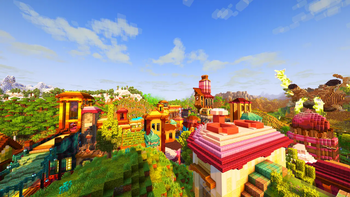 Aurora's ShadersMedium impact · by CrafterAurora
Pastel Shaders is created by ElocinDev and published under its own All Rights Reserved terms. We link to the author’s official download rather than mirroring it — the pack is theirs, and its licence asks that it stay that way. MineSpecs is an unofficial fan project and is not affiliated with ElocinDev, Mojang Studios or Microsoft.