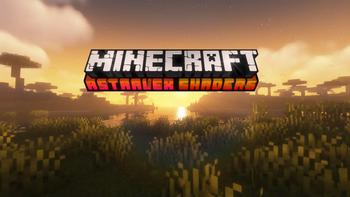
AstraLex Shaders — for Minecraft Java
by LexBoosT
AstraLex started as a BSL edit and turned into the most option-dense pack in the ecosystem. Vivid colour, strong bloom, cartoon-leaning skies, and a settings menu that borders on absurd — there are toggles here for effects most packs never expose at all. If you enjoy tuning a shaderpack as much as playing with one, this is the playground. All Rights Reserved, so download it from LexBoosT's official page.
How to install AstraLex Shaders
- 1Install a shader loader for Minecraft 1.16.5 – 26.2 — Iris (pairs with Sodium) or OptiFine. AstraLex Shaders is a shaderpack, so it needs a loader to run.
- 2Download the AstraLex Shaders
.zipfrom the button above — keep it zipped. Its licence doesn’t permit re-hosting, so that button takes you to the official modrinth.com page — always the newest build, straight from the author. - 3Drop the .zip into your
.minecraft/shaderpacksfolder (%appdata%\.minecraft\shaderpackson Windows,~/Library/Application Support/minecraft/shaderpackson macOS). - 4Launch the game, open Options → Video Settings → Shaders, and select AstraLex Shaders.
First time? How to install Minecraft shaders
Performance & what to expect
AstraLex Shaders is rated medium performance impact. It wants a mid-range dedicated GPU. Drop render distance a few chunks if you fall below 60 FPS. It renders atmosphere, bloom and shadows. The look is cartoon and fantasy.
More cartoon shaders
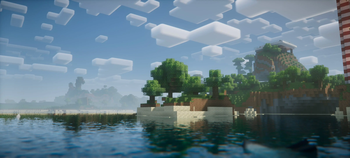 Nostalgia ShaderMedium impact · by RRe36
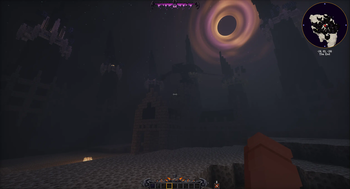 Hysteria ShadersPotato impact · by ElocinDev
 SpooklementaryMedium impact · by SpacEagle17
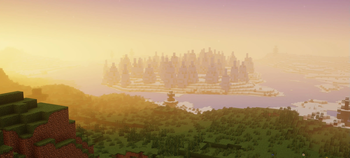 Potato ShadersPotato impact · by RRe36
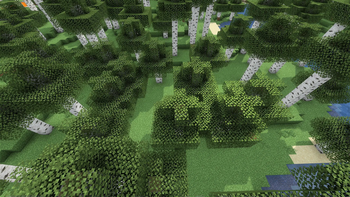 I Like VanillaLow impact · by What42
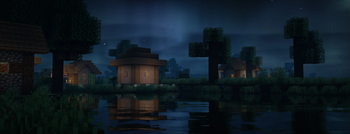 Lux V1Medium impact · by Lux
AstraLex Shaders is created by LexBoosT and published under its own All Rights Reserved terms. We link to the author’s official download rather than mirroring it — the pack is theirs, and its licence asks that it stay that way. MineSpecs is an unofficial fan project and is not affiliated with LexBoosT, Mojang Studios or Microsoft.