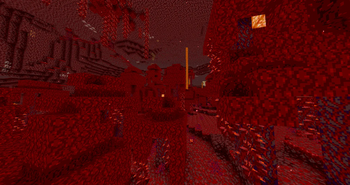
PosterizationShader — for Minecraft Java
by sasiaanders
PosterizationShader is a lightweight shader pack for Minecraft that applies an artistic posterization effect to the game's visuals. The shader reduces the number of colors to create a stylized "poster" look with visible color bands. Made by sasiaanders, it leans cursed and ships colored lighting. Expect it to run comfortably from medium-tier hardware upward, on Minecraft 1.21.11 – 1.21.11 via Iris or OptiFine. Licensed MIT, so the download is mirrored right here on MineSpecs — no ads, no redirects.
This file: Minecraft 1.21.11 · Iris · OptiFine
Licence: MITOriginal projectVersion 1.0.0
SHA-1 c0020a071c8bcc7f3bce2fc725acbc4453ecf4bf
Identical to the release on Modrinth.
How to install PosterizationShader
- 1Install a shader loader for Minecraft 1.21.11 — Iris (pairs with Sodium) or OptiFine. PosterizationShader is a shaderpack, so it needs a loader to run.
- 2Download the PosterizationShader
.zipfrom the button above — keep it zipped. It is mirrored on MineSpecs, so there is no ad-gate or redirect. - 3Drop the .zip into your
.minecraft/shaderpacksfolder (%appdata%\.minecraft\shaderpackson Windows,~/Library/Application Support/minecraft/shaderpackson macOS). - 4Launch the game, open Options → Video Settings → Shaders, and select PosterizationShader.
First time? How to install Minecraft shaders
Performance & what to expect
PosterizationShader is rated medium performance impact. It wants a mid-range dedicated GPU. Drop render distance a few chunks if you fall below 60 FPS. It renders colored lighting. The look is cursed.
More cursed shaders
 Red And Black ShadersLow impact · by ThatGuyTuk
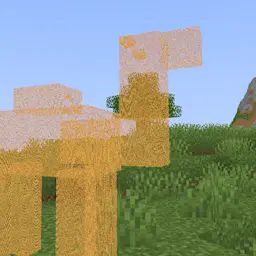 Hologram ShaderPotato impact · by Niblan
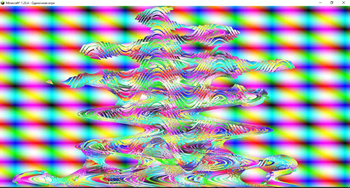 Psiho shaderHigh impact · by Beginnercodinggamer228
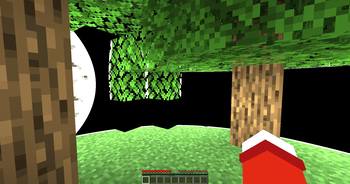 Blind ShaderPotato impact · by Niblan
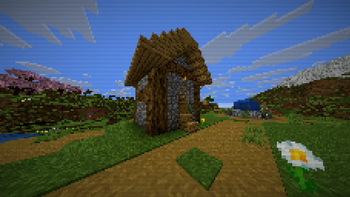 SimplyDitheredMedium impact · by gradylink
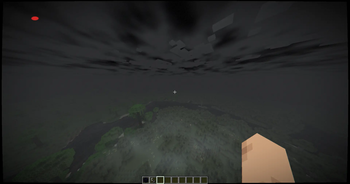 HorrorCraftby itz.anshkumar
PosterizationShader is created by sasiaanders and mirrored here under its MIT licence. MineSpecs is an unofficial fan project and is not affiliated with sasiaanders, Mojang Studios or Microsoft.