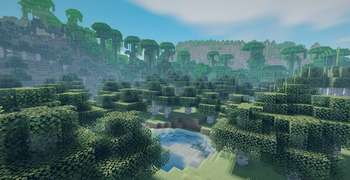
Rift - superfast — Minecraft shader pack
by Gleeshk
Rift Shaders is an ultra lightweight shaderpack, that adds basic shader things out there. Some effects, some shadows, you know?. Made by Gleeshk, it leans semi realistic. Expect it to run comfortably from medium-tier hardware upward, on Minecraft 1.20.1 – 1.21.8 via Iris or OptiFine. Licensed MIT, so the download is mirrored right here on MineSpecs — no ads, no redirects.
This file: Minecraft 1.21.1 – 1.21.8 · Iris · OptiFine
Licence: MITOriginal projectVersion 1.0.00b
SHA-1 16d5c23e8451a4e6ed5bc731702b7808b1abd444
Identical to the release on Modrinth.
How to install Rift - superfast
- 1Install a shader loader for Minecraft 1.21.1 – 1.21.8 — Iris (pairs with Sodium) or OptiFine. Rift - superfast is a shaderpack, so it needs a loader to run.
- 2Download the Rift - superfast
.zipfrom the button above — keep it zipped. It is mirrored on MineSpecs, so there is no ad-gate or redirect. - 3Drop the .zip into your
.minecraft/shaderpacksfolder (%appdata%\.minecraft\shaderpackson Windows,~/Library/Application Support/minecraft/shaderpackson macOS). - 4Launch the game, open Options → Video Settings → Shaders, and select Rift - superfast.
First time? How to install Minecraft shaders
Performance & what to expect
Rift - superfast is rated medium performance impact. It wants a mid-range dedicated GPU. Drop render distance a few chunks if you fall below 60 FPS. The look is semi realistic.
More semi realistic shaders
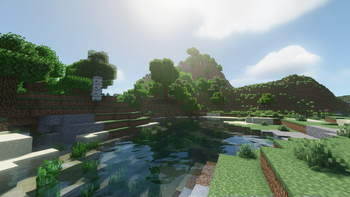 MakeUp — Ultra FastLow impact · by KDXavier
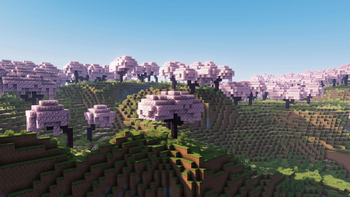 E-LITE ShadersPotato impact · by Entokito
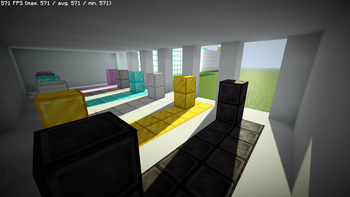 RenderPearlLow impact · by Luracasmus
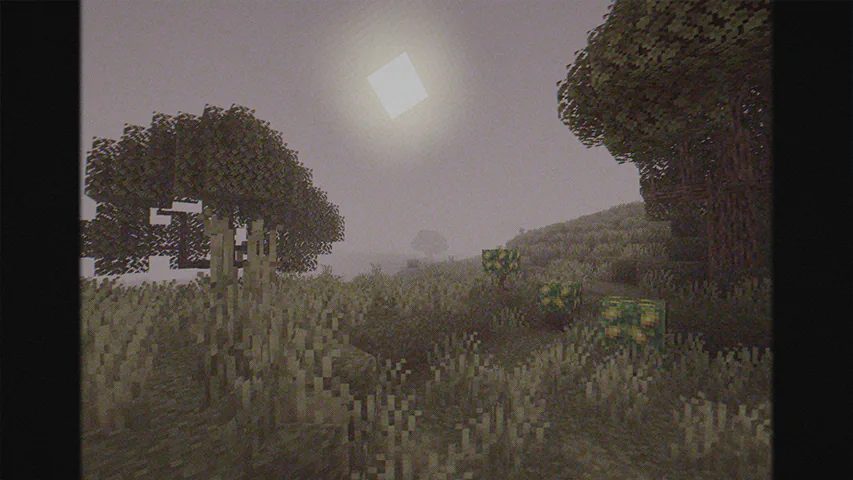 Cursed FogLow impact · by LoLip_p
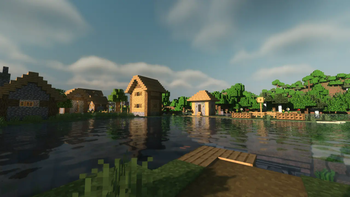 Musk Rose ShadersMedium impact · by Rin
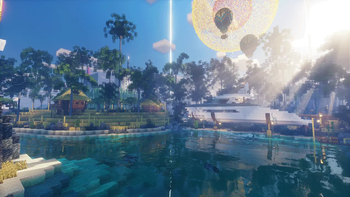 EscheridiaMedium impact · by QuirkyPlague
Rift - superfast is created by Gleeshk and mirrored here under its MIT licence. MineSpecs is an unofficial fan project and is not affiliated with Gleeshk, Mojang Studios or Microsoft.