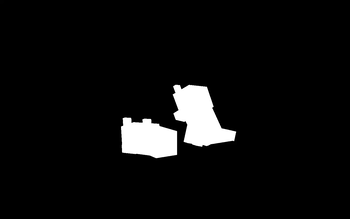
Bad Apple Shaders — for Minecraft Java
by blryface
[🚨WORKS ON EVERYTHING🚨] | A shader that makes the game render similarly to "Bad Apple". A cursed pack by blryface, tuned for potato-tier hardware and better. Compatible with Iris and OptiFine across Minecraft 1.0 – 26.2. Licensed MIT, so the download is mirrored right here on MineSpecs — no ads, no redirects.
This file: Minecraft 1.17 – 26.2 · Iris · OptiFine
Licence: MITOriginal projectSource codeVersion 5.0
SHA-1 fccd56f5d752f376ed097b1ace602c57d83704be
Identical to the release on Modrinth.
How to install Bad Apple Shaders
- 1Install a shader loader for Minecraft 1.17 – 26.2 — Iris (pairs with Sodium) or OptiFine. Bad Apple Shaders is a shaderpack, so it needs a loader to run.
- 2Download the Bad Apple Shaders
.zipfrom the button above — keep it zipped. It is mirrored on MineSpecs, so there is no ad-gate or redirect. - 3Drop the .zip into your
.minecraft/shaderpacksfolder (%appdata%\.minecraft\shaderpackson Windows,~/Library/Application Support/minecraft/shaderpackson macOS). - 4Launch the game, open Options → Video Settings → Shaders, and select Bad Apple Shaders.
First time? How to install Minecraft shaders
Performance & what to expect
Bad Apple Shaders is rated potato performance impact. It is the lightest tier in the catalogue — it runs on integrated graphics and older laptops. The look is cursed.
More cursed shaders
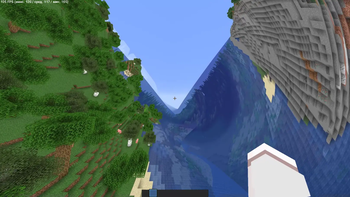 Cursed Shader (Metamorphopsia)Low impact · by Reizi
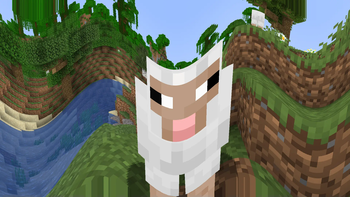 Sinus Shader - Sine WavePotato impact · by nz3digital1
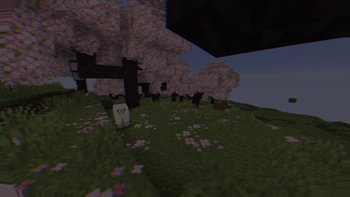 CRT ShaderPotato impact · by BouncingElf10
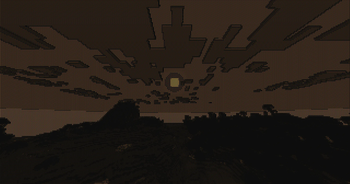 ASCII ShaderHigh impact · by BouncingElf10
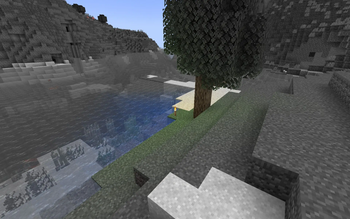 No Light — No Color!by SuperAnt_
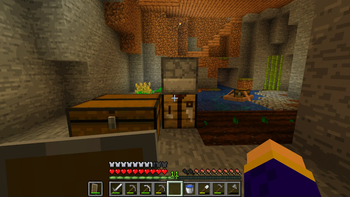 cel shaderPotato impact · by idkWorker13
Bad Apple Shaders is created by blryface and mirrored here under its MIT licence. MineSpecs is an unofficial fan project and is not affiliated with blryface, Mojang Studios or Microsoft.