How to Build a Nether Hub
Build one central chamber in the Nether with tunnels radiating out and every base is a minute away. The 8:1 maths, forcing portal links, and mob-proofing.
One block walked in the Nether covers eight in the Overworld. That single ratio is the whole reason a Nether hub exists: a 125-block tunnel through netherrack connects two bases a kilometre apart, and you can run it in under a minute. Build the hub properly once and every base, farm and mine you ever make plugs into it in about ten minutes. Build it badly and you get portals that spit you out in the wrong place, tunnels that fill with ghast holes, and a network you quietly abandon.
Here is the design pattern, the maths behind portal linking, and the mistakes that cost people entire worlds.
What a Nether hub actually is
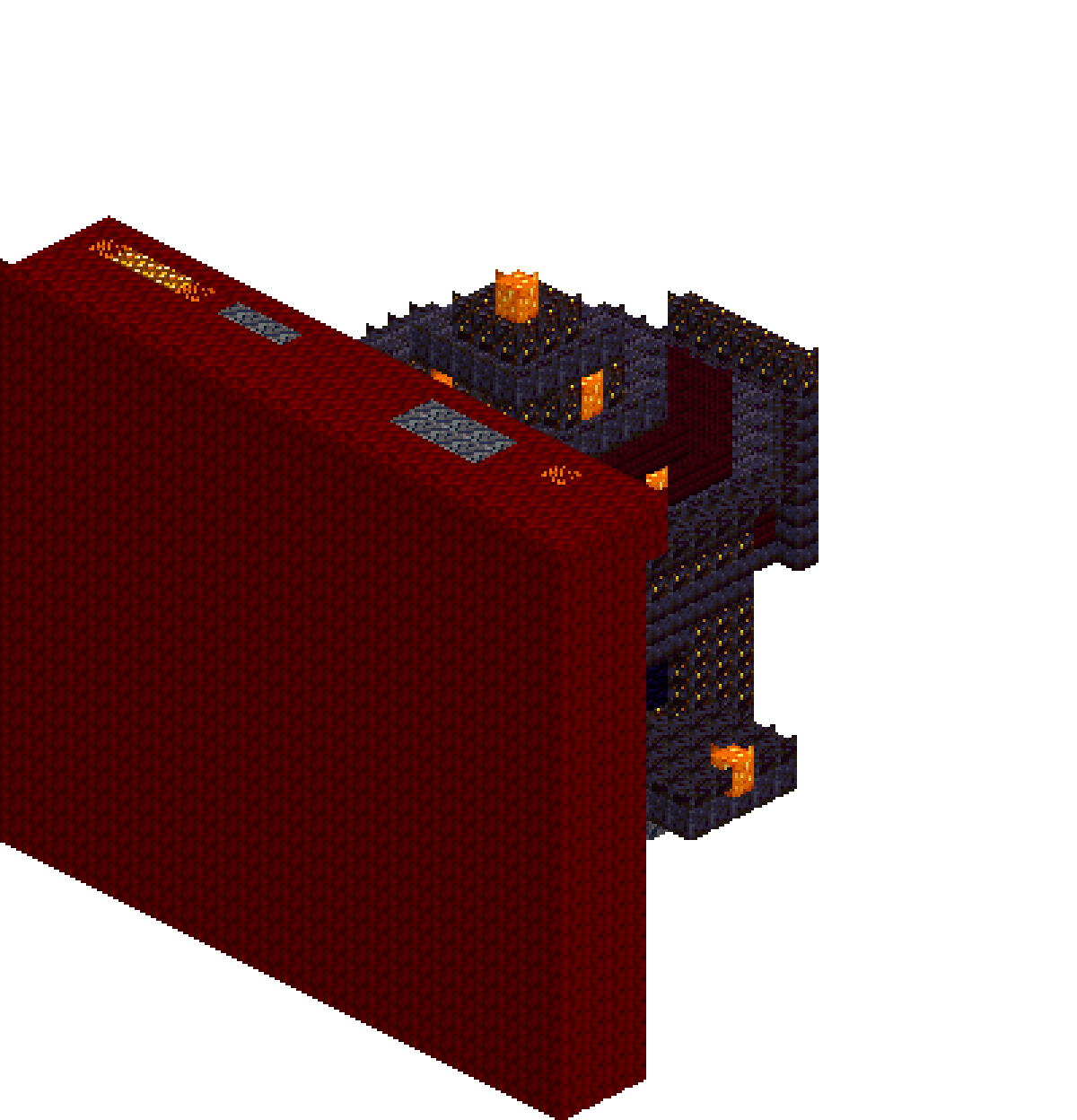
A Nether hub is one central chamber somewhere in the Nether, with tunnels radiating outwards from it. At the far end of each tunnel sits a portal that comes out somewhere useful in the Overworld — your main base, a village, a mining outpost, a farm.
You never travel long distances in the Overworld again. You walk to your base portal, step through, walk down the correct tunnel, step through the portal at the end, and you are at the destination. Every journey becomes: portal, tunnel, portal.
The reason the hub sits in the Nether and not the Overworld is purely the distance ratio. Horizontal coordinates in the Nether map to eight times the distance in the Overworld. Y is not scaled — vertical position transfers one to one. So a hub with four tunnels of 60 blocks each reaches four destinations that each sit 480 blocks from the hub in the Overworld, in four directions. An Overworld "hub" with roads would need 1,920 blocks of road to do the same job, and you would be walking past creepers the whole way.
The other reason: the Nether is flat and diggable. Netherrack mines almost instantly with any pickaxe, and a whole tunnel network is faster to carve than one Overworld road is to pave.
The 8:1 maths, done properly
To place a Nether portal so it links where you want, take the Overworld coordinates of the destination and divide X and Z by 8. Keep Y roughly the same.
An Overworld base at X 1,024, Z minus 512 becomes X 128, Z minus 64 in the Nether. A base at X 700, Z 300 becomes X 87.5, Z 37.5 — round down to X 87, Z 37, which is the block the game itself works from.
Going the other way, multiply by 8. A tunnel that ends at Nether X 90, Z 0 comes out around Overworld X 720, Z 0.
Two things trip people up. First, negative numbers: minus 512 divided by 8 is minus 64, not 64. Get the sign wrong and you end up in the opposite corner of the map. Second, people forget Y should transfer unchanged. If your Overworld portal sits at Y 64 and your Nether tunnel runs at Y 100, the game will still link them, but the vertical mismatch makes linking less predictable when portals are close together.
If you would rather not do arithmetic in your head at three in the morning, the Nether portal calculator converts coordinates in both directions. There is more on coordinate discipline in the guide to Nether travel and coordinates.
Forcing the link: build the destination portal first
This is the part that separates a hub that works from one that constantly misbehaves.
When you step into a portal, the game does not create a new portal on the other side unless it has to. It first searches the destination dimension around the translated coordinates and links to the nearest existing portal it finds. In Java Edition that search reaches 128 blocks horizontally when you are arriving in the Overworld, but only 16 blocks when you are arriving in the Nether — any height, in both directions. Only if it finds nothing does the game generate a fresh portal, and generated portals land wherever the game finds room within 16 blocks: on a ledge above a lava lake, in a cave, or on an obsidian platform it builds in mid-air when there is no room at all.
So the rule is: build both portals by hand, and light the destination one first.
The reliable order:
- 1.Stand at the Overworld spot you want to arrive at. Write down X, Y and Z.
- 2.Build the frame there and light it, but do not walk through.
- 3.Divide X and Z by 8. Go to those coordinates in the Nether.
- 4.Build the second frame there, at roughly the same Y, and light it.
- 5.Step through. A portal already exists at the translated coordinates, so the game links to it instead of generating one.
Getting into the Nether the first time means one portal made the normal way — see how to make a Nether portal for the frame layout and minimum size.
The classic failure is doing it backwards: lighting the Nether portal, walking through, and letting the game place your Overworld portal for you. It hunts for somewhere it can fit a portal within 16 blocks horizontally of the translated spot but at any height at all, so you surface buried in a hillside, perched on a cliff face, or dumped on an obsidian platform in mid-air rather than standing where you meant to be. Worse, that stray portal is now a candidate for every future link within 128 blocks of it in the Overworld, and it starts stealing traffic from portals you build later.
Because the game picks the nearest portal in range, building exactly at the translated coordinates normally wins outright. Trouble only starts when two of your own hub portals sit almost on top of each other. Two destinations 80 Overworld blocks apart are just 10 blocks apart in the Nether — comfortably inside the 16-block search on that side — and a few blocks of error in where you build will send you down the wrong tunnel. Space destinations a few hundred Overworld blocks apart, or accept that they should share one portal and a short walk.
The other classic mistake is thinking a bad link is permanent. It is not stored anywhere — it is recalculated on every use from whatever portals currently exist. Break the stray portal, build yours in the right place, and the problem is gone.
Laying out the central chamber
Start the hub near your first Nether portal, but not in the middle of an open lava sea and not inside a fortress. A quiet patch of netherrack at a moderate Y is ideal.
A workable chamber is around 15 by 15 blocks with a ceiling four or five blocks high — enough that you can put signs on the walls, park chests, and read the room at a glance. Square is fine. Round is prettier. Neither affects function.
Put your arrival portal in the centre or against one wall, then run tunnels out. Cardinal directions are far easier to track than diagonals, because a tunnel running due north keeps X constant and only changes Z. When a destination is not on a cardinal line, run out along one axis and then turn 90 degrees. Two straight legs beat one diagonal every time, because you can read your position off a single coordinate.
Keep the whole network at one Y level where you can. Consistent height means you dig straight through and never lose the vertical.
Some practical fittings for the chamber:
- A double chest of building blocks, torches and food by the entrance
- A crafting table and a furnace, so a broken pickaxe does not end the trip
- Water cannot be placed in the Nether — it evaporates instantly — so carry fire resistance potions instead if you are working near lava
- A lodestone if you use compasses, since an ordinary compass spins uselessly in the Nether. See lodestone and navigation
Tunnel dimensions
Two blocks wide by three high is the sweet spot for a main tunnel. Wide enough to run without clipping corners, tall enough that you never bump your head, and two players can pass.
For side spurs, one wide by two high is enough and digs far faster.
Three reasons to go bigger than the bare minimum:
- Ghast fireballs destroy netherrack. A cramped tunnel becomes impassable fast if anything shoots into it.
- You fight much better with headroom.
- If you ever want to run rails beside a walkway, you need the width already carved.
If you plan to run minecarts and rails down the tunnels, keep the rail lane flat and straight, and space powered rails along it to keep carts at speed.
Floor the tunnel in something that is not netherrack. Netherrack burns forever once lit, and a stray fire charge or a lava trickle turns your corridor into a wall of flame you have to wait out. Cobblestone, blackstone, deepslate and nether bricks all work and none of them catch fire. It seems fussy until the first time it happens.
Wall the tunnel too, at least on the sides, where you cut through open lava caverns. Basalt is free in a delta and blackstone is free near a bastion.
Mob-proofing: light is only half the answer here
This is where Overworld instincts fail you, so read it carefully.
The Nether does not use the Overworld's lighting rules. In Java Edition a hostile mob in the Overworld needs a block light level of zero, so one torch keeps them off for about 13 blocks around it. The Nether runs on a much more permissive threshold: anything at light level 7 or below is still spawnable, so a torch only holds the light-sensitive mobs off for about 6 blocks. Blanketing a long tunnel in torches is a great deal of work for a partial result.
And several Nether mobs ignore light entirely. The mobs you meet underground split two ways:
- Light does nothing at all: zombified piglins, piglins, hoglins, blazes, ghasts, magma cubes and striders spawn at any light level whatsoever.
- Light does help: wither skeletons, skeletons and endermen need darkness, so bright, dense lighting genuinely suppresses them.
The point is that the mob spawning rules that make an Overworld base safe do not transfer across the portal. Lighting alone will never make a tunnel safe.
What works on everything is removing valid spawn space. Mobs need a block with a solid, full top surface that the game accepts as spawnable, so:
- Floor your tunnels and chamber with bottom-half slabs. Mobs cannot spawn on them, and you still walk normally. Note that top-half slabs and double slabs are still spawnable — it has to be the bottom half.
- Trapdoors, glass and other blocks the game refuses to spawn mobs on do the same job in awkward corners.
- Seal every opening into an adjacent cavern. Mobs that spawn outside will happily path in through a hole.
- A tunnel that is fully enclosed and slabbed is genuinely mob-free, permanently, with no maintenance.
Light it well anyway — you need to see, and it does hold back the skeletons and endermen. Shroomlights, glowstone and sea lanterns give light level 15, one more than a torch. Glowstone hangs from ceilings all over the Nether, and shroomlights come from the huge fungi in crimson and warped forests.
Two more defensive habits. Wear at least one piece of gold armour and piglins will not turn hostile on sight. And remember hoglins actively avoid nether portals and warped fungi — a warped fungus placed near a tunnel mouth keeps them from crowding the entrance.
Signage, because you will forget
You will not remember which tunnel goes where. Nobody does.
Put a sign above every tunnel mouth in the chamber with the destination name, and a second sign with the Overworld coordinates. At the far end, sign the return direction. A sign holds four lines, so use a consistent format:
- Line 1: destination name
- Line 2: the Overworld X and Z
- Line 3: direction back to the hub
Colour-code the tunnels as well. Wool, concrete or terracotta along the floor of each tunnel makes navigation instant even when you are not reading. Item frames holding a representative item — wheat for the farm, an iron ingot for the iron farm, a diamond for the mine — read faster than text at a glance.
Extending the network later
The hub only stays useful if adding a destination is trivial. It is, if you did the layout right.
To add a base at Overworld X 2,400, Z minus 800: divide by 8 to get Nether X 300, Z minus 100. Run your east tunnel out to X 300 if it does not reach yet, then cut a spur north to Z minus 100 — negative Z is north — build the Overworld portal first at the base, then build and light the Nether one at the end of the spur. Five minutes of digging.
Keep a written list — a book and quill in the hub chest is perfect — of every destination with both sets of coordinates. When something links wrong six months from now, that list is how you work out which stray portal is stealing the connection.
One last habit worth forming: never light a portal in the Nether by accident. Every flint-and-steel mistake near your network creates another candidate for linking. If you spot an unwanted one, break a single block of the frame to deactivate it, and mine the obsidian while you are there.
Build it once, slab the floors, sign it clearly, and the hub outlasts every other structure in your world.