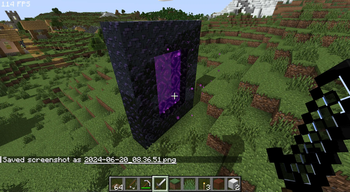
Daybreak Shader — for Minecraft Java
by agentclone8
166K 1.20 – 1.21
Vanilla LikeAtmosphere
Daybreak keeps things minimal and warm — improved sky and daylight tones that give builds a soft, golden-hour glow without a heavy performance cost.
Download Daybreak Shader · MC 1.20–1.21 · AlphaNot updated for 26.3 yet
daybreak_0.2 .zip · 13 KB · Hosted on MineSpecs · no redirects, no adsThis file: Minecraft 1.20 – 1.21 · Iris · OptiFine
Licence: CC0-1.0Original projectVersion 0.2
SHA-1 0f023aafe4cfb846266b3e9c65111bb278de153a
Identical to the release on Modrinth.
How to install Daybreak Shader
- 1Install a shader loader for Minecraft 1.20 – 1.21 — Iris (pairs with Sodium) or OptiFine. Daybreak Shader is a shaderpack, so it needs a loader to run.
- 2Download the Daybreak Shader
.zipfrom the button above — keep it zipped. It is mirrored on MineSpecs, so there is no ad-gate or redirect. - 3Drop the .zip into your
.minecraft/shaderpacksfolder (%appdata%\.minecraft\shaderpackson Windows,~/Library/Application Support/minecraft/shaderpackson macOS). - 4Launch the game, open Options → Video Settings → Shaders, and select Daybreak Shader.
First time? How to install Minecraft shaders
Performance & what to expect
agentclone8 gives Daybreak Shader no performance rating, so check your frame rate at your usual render distance. It renders atmosphere. The look is vanilla like.
Performance
Not rated
Version
0.2
Project supports
1.20 – 1.21
License
CC0-1.0
More vanilla like shaders
![[BTB] Back To Basics in-game preview](/shaders/covers/back-to-basics.webp) [BTB] Back To BasicsPotato impact · by HackFight
[BTB] Back To BasicsPotato impact · by HackFight Emissive Trimsby Bluebird
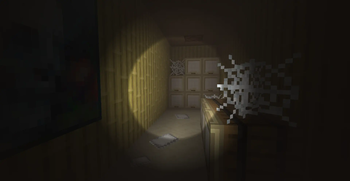 Flashlight ShaderPotato impact · by GN
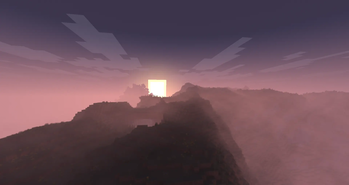 Phoxel PTHigh impact · by Despatra
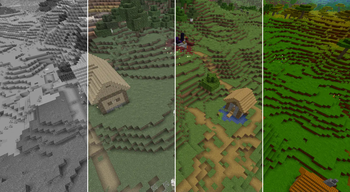 Simple Saturation ShaderPotato impact · by MrBrose
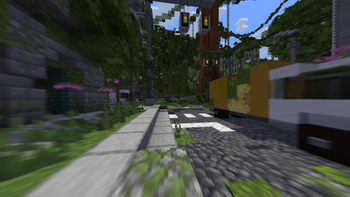 CH MotionPotato impact · by thompiejompie
Daybreak Shader is created by agentclone8 and mirrored here under its CC0-1.0 licence. MineSpecs is an unofficial fan project and is not affiliated with agentclone8, Mojang Studios or Microsoft.