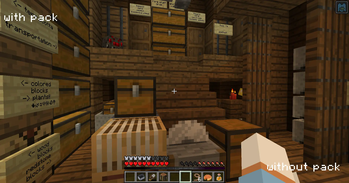
Lightmap Fixer — Minecraft shader pack
by owenxm
1.21.9 changed the lightmap shader, and now block light is strangely warm/orange. this fixes that. Lightmap Fixer is a vanilla like pack from owenxm. It targets medium-tier hardware and up and loads as a regular resource pack on Minecraft 1.21.9 – 1.21.11. Licensed MIT, so the download is mirrored right here on MineSpecs — no ads, no redirects.
This file: Minecraft 1.21.9 – 26.2 · resource pack (core shaders)
Licence: MITOriginal projectVersion 1.0
SHA-1 6b532bfd3748923c6c4fbdba644943e9fff72f13
Identical to the release on Modrinth.
How to install Lightmap Fixer
- 1No shader loader needed — Lightmap Fixer uses Minecraft’s own core shaders, so it installs like a resource pack on Minecraft 1.21.9 – 26.2.
- 2Download the Lightmap Fixer
.zipfrom the button above — keep it zipped. It is mirrored on MineSpecs, so there is no ad-gate or redirect. - 3Drop the .zip into your
.minecraft/resourcepacksfolder (%appdata%\.minecraft\resourcepackson Windows,~/Library/Application Support/minecraft/resourcepackson macOS). - 4Launch the game, open Options → Resource Packs, move Lightmap Fixer to the right-hand column and click Done.
First time? How to install Minecraft resource packs
Performance & what to expect
Lightmap Fixer is rated medium performance impact. It wants a mid-range dedicated GPU. Drop render distance a few chunks if you fall below 60 FPS. The look is vanilla like.
More vanilla like shaders
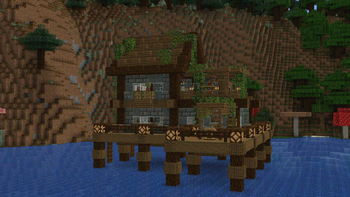 Dithered ShaderPotato impact · by BouncingElf10
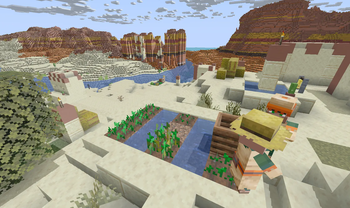 DuskMedium impact · by Abstract
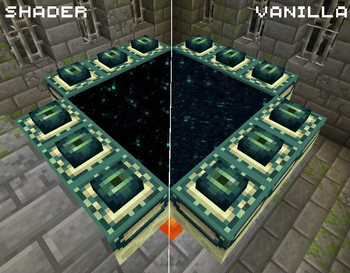 Better End Portal ShaderPotato impact · by MrBrose
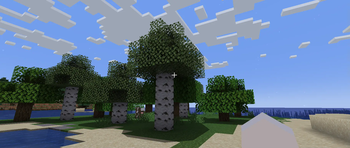 Simple Shader OnePotato impact · by nercone
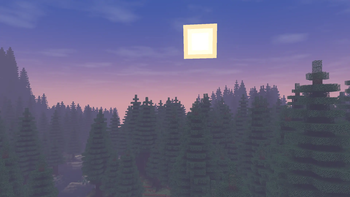 Wisp ShadersMedium impact · by n643064
 Complementary Shaders — ReimaginedMedium impact · by EminGT
Lightmap Fixer is created by owenxm and mirrored here under its MIT licence. MineSpecs is an unofficial fan project and is not affiliated with owenxm, Mojang Studios or Microsoft.