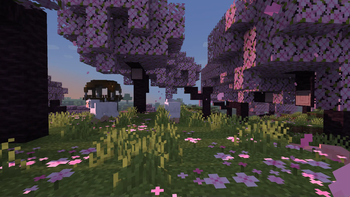
Miniature Shader — for Minecraft Java
by ukrech
Miniature Shader applies a tilt-shift depth-of-field effect that makes everything look like a hand-built model set. Barely any performance cost and endlessly fun for screenshots and cinematics.
This file: Minecraft 1.7.2 – 26.2 · Iris · OptiFine
Licence: MITOriginal projectSource codeVersion 2.18.13
SHA-1 11d6b139e49d4b6226c2711517736ddb8a85b474
Identical to the release on Modrinth.
How to install Miniature Shader
- 1Install a shader loader for Minecraft 1.7.2 – 26.2 — Iris (pairs with Sodium) or OptiFine. Miniature Shader is a shaderpack, so it needs a loader to run.
- 2Download the Miniature Shader
.zipfrom the button above — keep it zipped. It is mirrored on MineSpecs, so there is no ad-gate or redirect. - 3Drop the .zip into your
.minecraft/shaderpacksfolder (%appdata%\.minecraft\shaderpackson Windows,~/Library/Application Support/minecraft/shaderpackson macOS). - 4Launch the game, open Options → Video Settings → Shaders, and select Miniature Shader.
First time? How to install Minecraft shaders
Performance & what to expect
Miniature Shader is rated potato performance impact. It is the lightest tier in the catalogue — it runs on integrated graphics and older laptops. It renders reflections and shadows. The look is vanilla like.
More vanilla like shaders
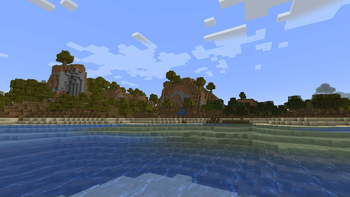 VanillAAPotato impact · by vriska
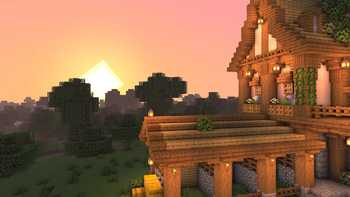 EclipseMedium impact · by gamerbenyt
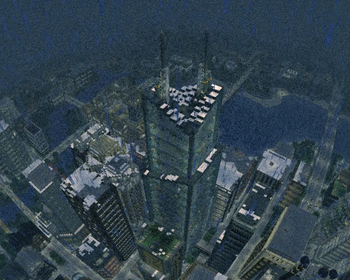 EpochPotato impact · by WoMspace
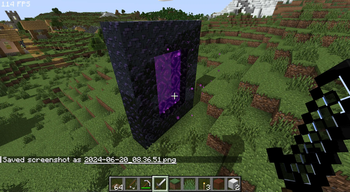 Daybreak Shaderby agentclone8
![[BTB] Back To Basics in-game preview](/shaders/covers/back-to-basics.webp) [BTB] Back To BasicsPotato impact · by HackFight
[BTB] Back To BasicsPotato impact · by HackFight Emissive Trimsby Bluebird
Miniature Shader is created by ukrech and mirrored here under its MIT licence. MineSpecs is an unofficial fan project and is not affiliated with ukrech, Mojang Studios or Microsoft.