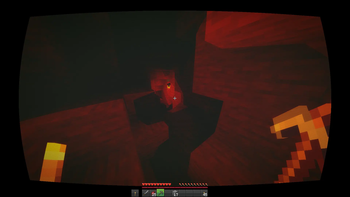
Nostalgia Ultra Shader — for Minecraft Java
by maxlananass
Download Nostalgia Ultra, the retro Minecraft shader that brings back Beta 1.7 to 1.5.2 visuals in 4K. CRT scanlines, turquoise water, orange torches, electric blue sky. Works with Iris & Sodium. 6 languages. A vanilla-like pack by maxlananass featuring colored lighting and shadows, tuned for low-tier hardware and better. Compatible with Iris and OptiFine across Minecraft 1.21 – 1.21.11. Licensed MIT, so the download is mirrored right here on MineSpecs — no ads, no redirects.
This file: Minecraft 1.21 – 1.21.11 · Iris · OptiFine
Licence: MITOriginal projectVersion Nostalgia_Ultra-V10
SHA-1 2e4ac057de225f9dbbd4bf8ad848a9a37d6350a4
Identical to the release on Modrinth.
How to install Nostalgia Ultra Shader
- 1Install a shader loader for Minecraft 1.21 – 1.21.11 — Iris (pairs with Sodium) or OptiFine. Nostalgia Ultra Shader is a shaderpack, so it needs a loader to run.
- 2Download the Nostalgia Ultra Shader
.zipfrom the button above — keep it zipped. It is mirrored on MineSpecs, so there is no ad-gate or redirect. - 3Drop the .zip into your
.minecraft/shaderpacksfolder (%appdata%\.minecraft\shaderpackson Windows,~/Library/Application Support/minecraft/shaderpackson macOS). - 4Launch the game, open Options → Video Settings → Shaders, and select Nostalgia Ultra Shader.
First time? How to install Minecraft shaders
Performance & what to expect
Nostalgia Ultra Shader is rated low performance impact. It is comfortable on entry-level dedicated GPUs at a normal render distance. It renders colored lighting and shadows. The look is fantasy and realistic.
More fantasy shaders
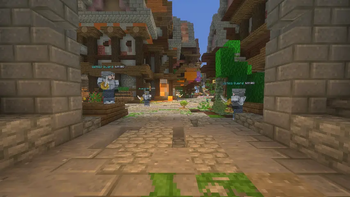 Wispy ShaderPotato impact · by l_aggy
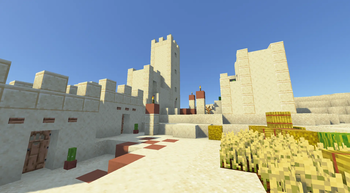 SteadfastLow impact · by coderbot
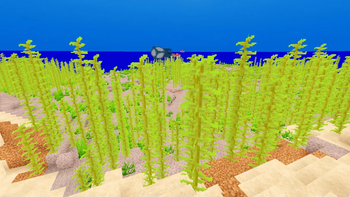 CoffeeShadersMedium impact · by GamesofDev
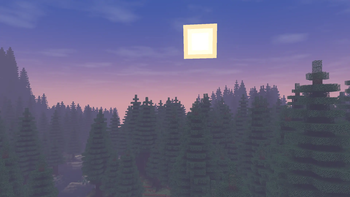 Wisp ShadersMedium impact · by n643064
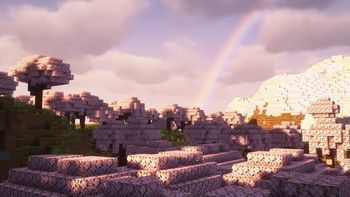 Complementary Shaders — UnboundMedium impact · by EminGT
 Solas ShaderMedium impact · by Septonious
Nostalgia Ultra Shader is created by maxlananass and mirrored here under its MIT licence. MineSpecs is an unofficial fan project and is not affiliated with maxlananass, Mojang Studios or Microsoft.