
ReShaded — Minecraft shader pack
by DR7
ReShaded is the odd one out here: it uses Minecraft's built-in core shader system, which means no Iris, no OptiFine and effectively no frame rate cost. You give up the heavy lighting effects a real shaderpack provides, but you get a noticeably nicer-looking game on hardware that cannot run anything else, and it plays nicely with Sodium and other mods. All Rights Reserved, so download it from the author's page.
How to install ReShaded
- 1Install a shader loader for Minecraft 1.20.5 – 26.2 — Iris (pairs with Sodium) or OptiFine. ReShaded is a shaderpack, so it needs a loader to run.
- 2Download the ReShaded
.zipfrom the button above — keep it zipped. Its licence doesn’t permit re-hosting, so that button takes you to the official modrinth.com page — always the newest build, straight from the author. - 3Drop the .zip into your
.minecraft/shaderpacksfolder (%appdata%\.minecraft\shaderpackson Windows,~/Library/Application Support/minecraft/shaderpackson macOS). - 4Launch the game, open Options → Video Settings → Shaders, and select ReShaded.
First time? How to install Minecraft shaders
Performance & what to expect
ReShaded is rated potato performance impact. It is the lightest tier in the catalogue — it runs on integrated graphics and older laptops. It renders atmosphere. The look is realistic and vanilla like.
More realistic shaders
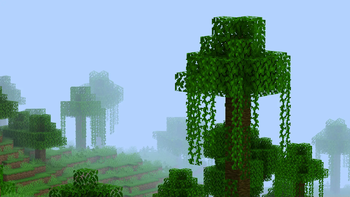 TildeMedium impact · by Kattjakt
![Outlines [Contours] in-game preview](/shaders/covers/outlines-contours.webp) Outlines [Contours]by RustyPie
Outlines [Contours]by RustyPie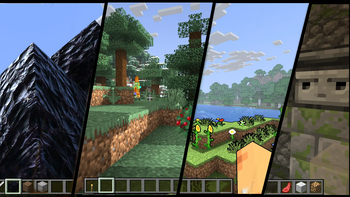 Simply UpscaledPotato impact · by timetravelbeard
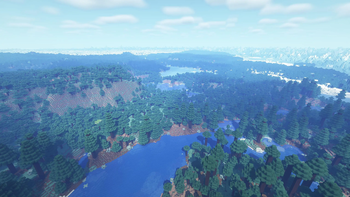 OPAL ShadersMedium impact · by FENVEN
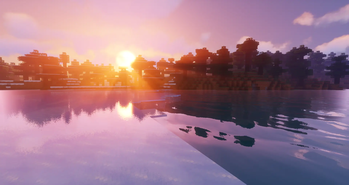 Sildur's Vibrant ShadersLow impact · by Sildur
ReShaded is created by DR7 and published under its own All Rights Reserved terms. We link to the author’s official download rather than mirroring it — the pack is theirs, and its licence asks that it stay that way. MineSpecs is an unofficial fan project and is not affiliated with DR7, Mojang Studios or Microsoft.