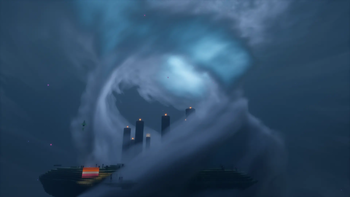
Bliss Shaders — for Minecraft Java
by Xonk
Bliss grew out of Chocapic13's lineage and has become its own thing entirely: Xonk's focus is scene variation, so dawn, storms, caves and the End each get genuinely distinct treatment rather than one look with the colours shifted. The customisation menu is one of the deepest available, down to per-scene fog and lighting curves. Performance is respectable for what it renders. All Rights Reserved — grab it from Xonk's official page.
How to install Bliss Shaders
- 1Install a shader loader for Minecraft 1.17 – 26.2 — Iris (pairs with Sodium) or OptiFine. Bliss Shaders is a shaderpack, so it needs a loader to run.
- 2Download the Bliss Shaders
.zipfrom the button above — keep it zipped. Its licence doesn’t permit re-hosting, so that button takes you to the official modrinth.com page — always the newest build, straight from the author. - 3Drop the .zip into your
.minecraft/shaderpacksfolder (%appdata%\.minecraft\shaderpackson Windows,~/Library/Application Support/minecraft/shaderpackson macOS). - 4Launch the game, open Options → Video Settings → Shaders, and select Bliss Shaders.
First time? How to install Minecraft shaders
Performance & what to expect
Bliss Shaders is rated medium performance impact. It wants a mid-range dedicated GPU. Drop render distance a few chunks if you fall below 60 FPS. It renders atmosphere, shadows and reflections. The look is fantasy.
More fantasy shaders
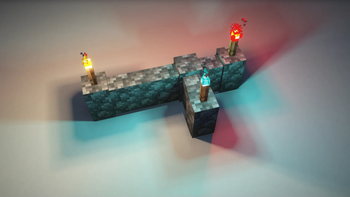 Rethinking VoxelsHigh impact · by gri573
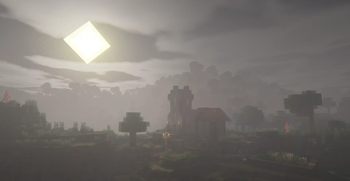 Insanity ShaderLow impact · by ElocinDev
 AstraLex ShadersMedium impact · by LexBoosT
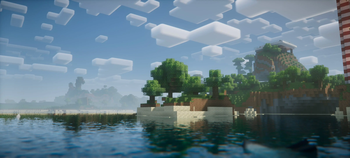 Nostalgia ShaderMedium impact · by RRe36
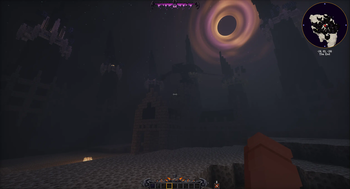 Hysteria ShadersPotato impact · by ElocinDev
 SpooklementaryMedium impact · by SpacEagle17
Bliss Shaders is created by Xonk and published under its own All Rights Reserved terms. We link to the author’s official download rather than mirroring it — the pack is theirs, and its licence asks that it stay that way. MineSpecs is an unofficial fan project and is not affiliated with Xonk, Mojang Studios or Microsoft.