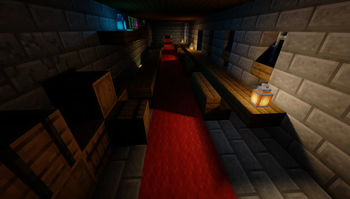
Shrimple — Minecraft shader pack
by Null
Shrimple's premise is restraint: keep Minecraft looking precisely like Minecraft, then let you switch on shadows, coloured lighting or ray tracing individually. That makes it unusually good as a baseline — you can start at nearly-vanilla, add one feature at a time, and stop the moment your frame rate complains. Popular with players who bounced off heavier packs. All Rights Reserved, so grab it from the official page.
How to install Shrimple
- 1Install a shader loader for Minecraft 1.16.5 – 1.21.4 — Iris (pairs with Sodium) or OptiFine. Shrimple is a shaderpack, so it needs a loader to run.
- 2Download the Shrimple
.zipfrom the button above — keep it zipped. Its licence doesn’t permit re-hosting, so that button takes you to the official modrinth.com page — always the newest build, straight from the author. - 3Drop the .zip into your
.minecraft/shaderpacksfolder (%appdata%\.minecraft\shaderpackson Windows,~/Library/Application Support/minecraft/shaderpackson macOS). - 4Launch the game, open Options → Video Settings → Shaders, and select Shrimple.
First time? How to install Minecraft shaders
Performance & what to expect
Shrimple is rated low performance impact. It is comfortable on entry-level dedicated GPUs at a normal render distance. It renders colored lighting, pbr and path tracing. The look is vanilla like. Because it supports PBR, it looks its best with a matching texture set — browse our free resource packs for one with normal and specular maps.
More vanilla like shaders
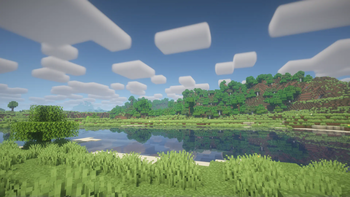 BSL Shaders — ClassicLow impact · by CaptTatsu
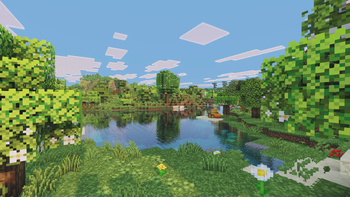 Visual VibranceMedium impact · by jbritain
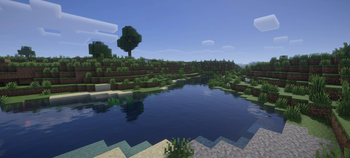 Vanilla Plus ShaderLow impact · by RRe36
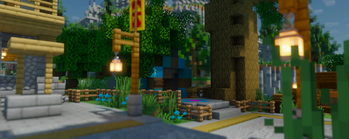 Bloop ShadersLow impact · by espen96
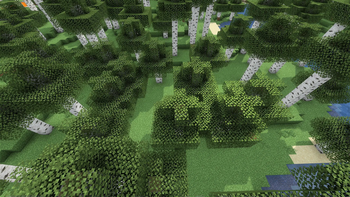 I Like VanillaLow impact · by What42
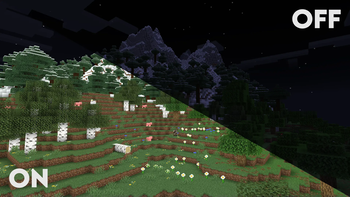 ClarityPotato impact · by Astyll
Shrimple is created by Null and published under its own All Rights Reserved terms. We link to the author’s official download rather than mirroring it — the pack is theirs, and its licence asks that it stay that way. MineSpecs is an unofficial fan project and is not affiliated with Null, Mojang Studios or Microsoft.